Design Blues
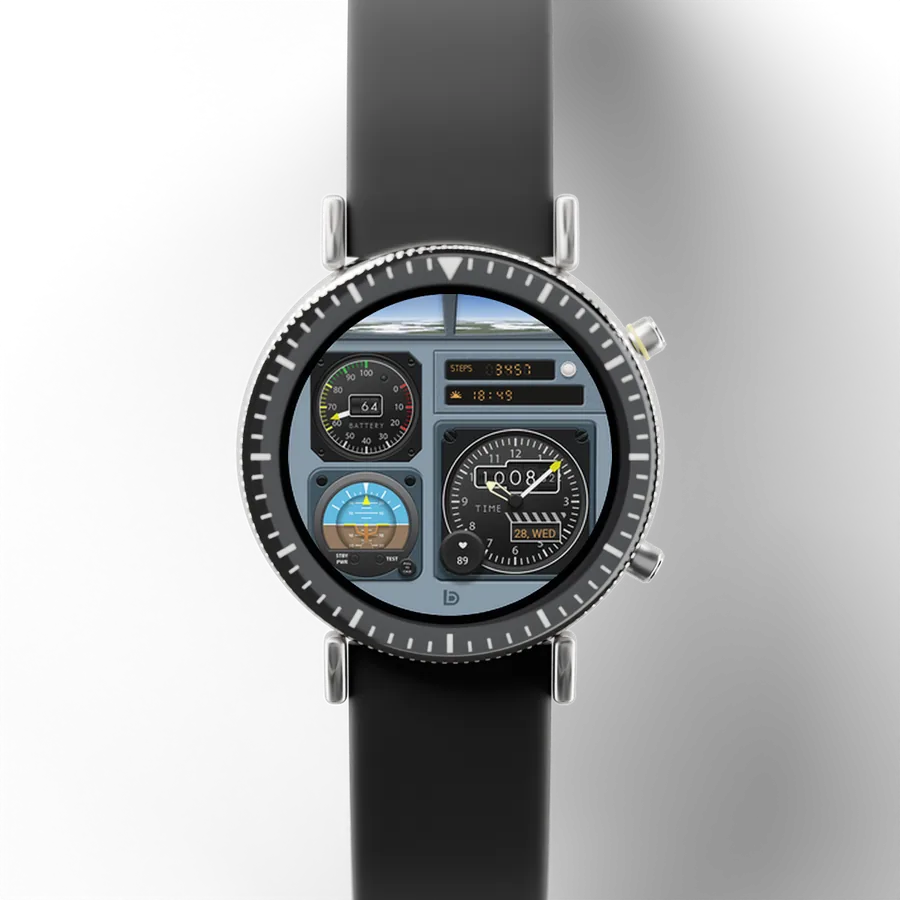
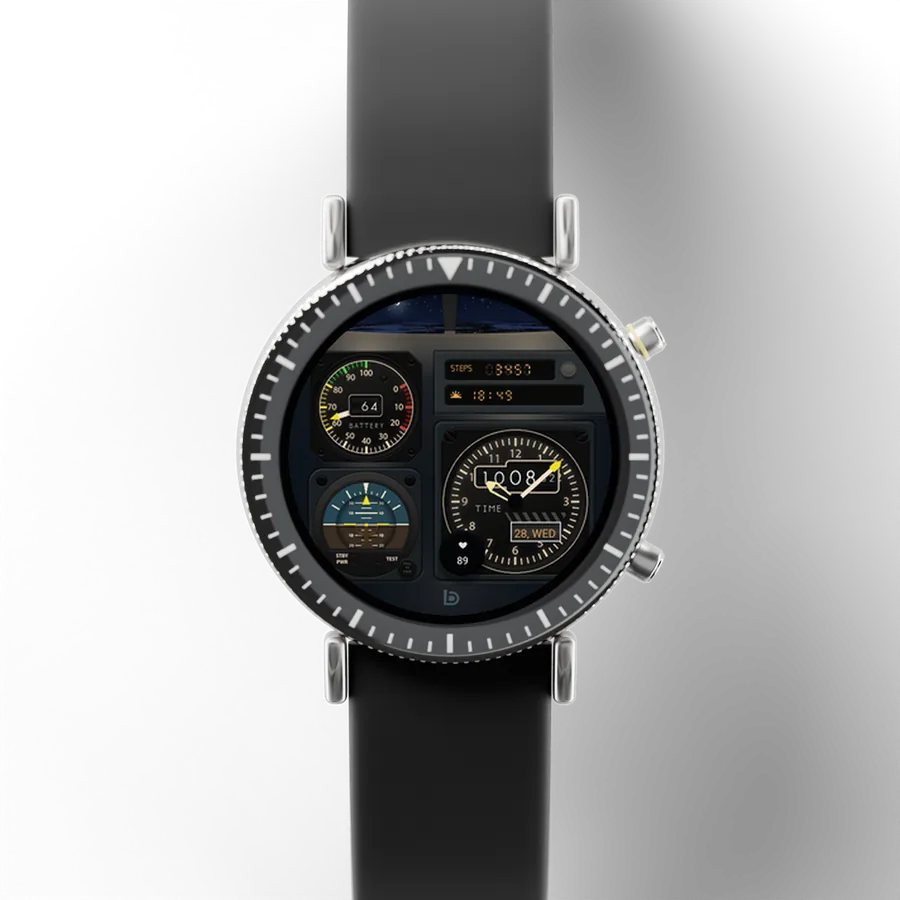
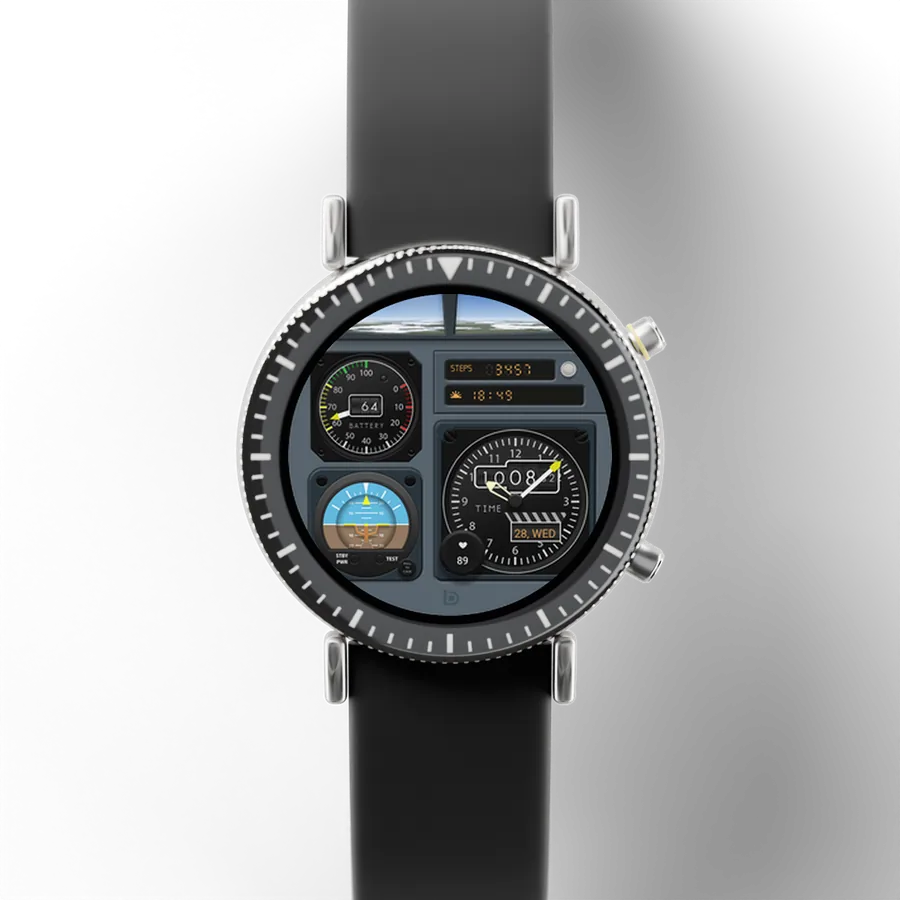
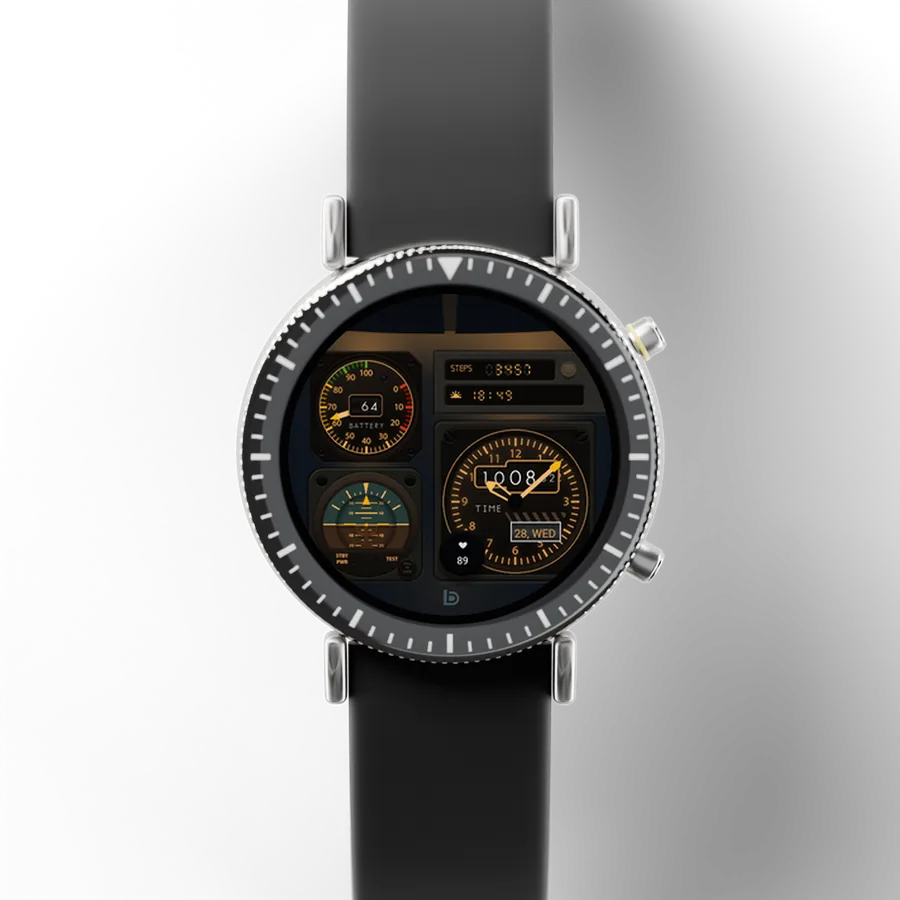
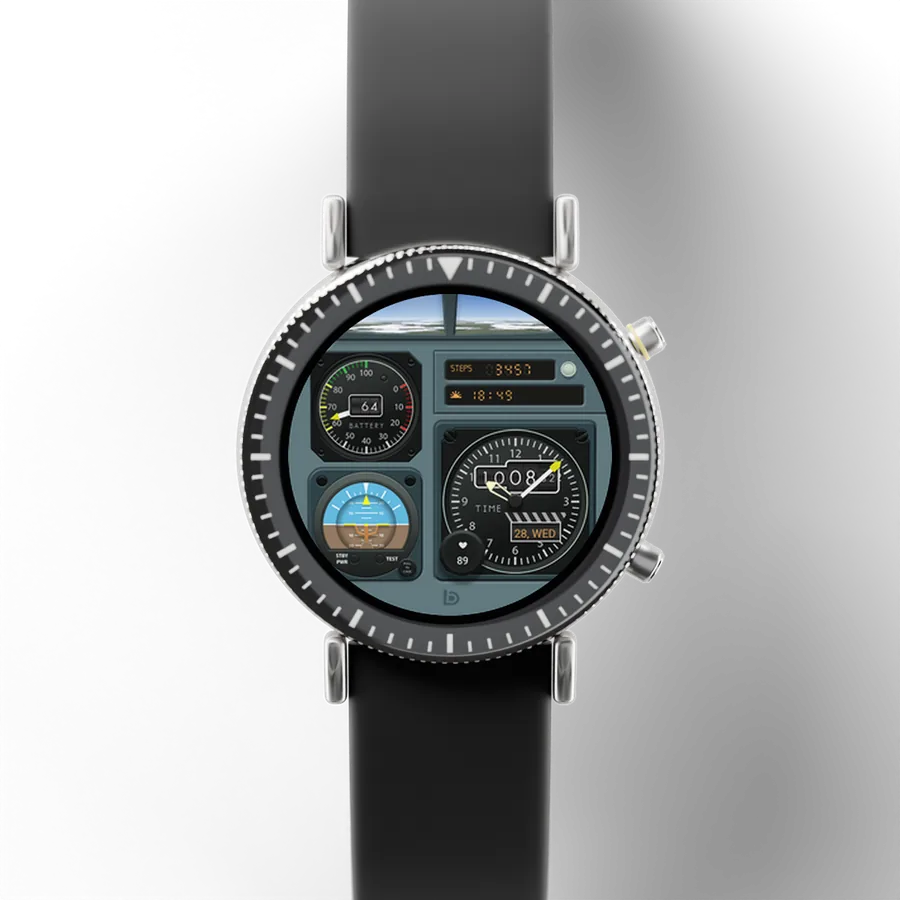
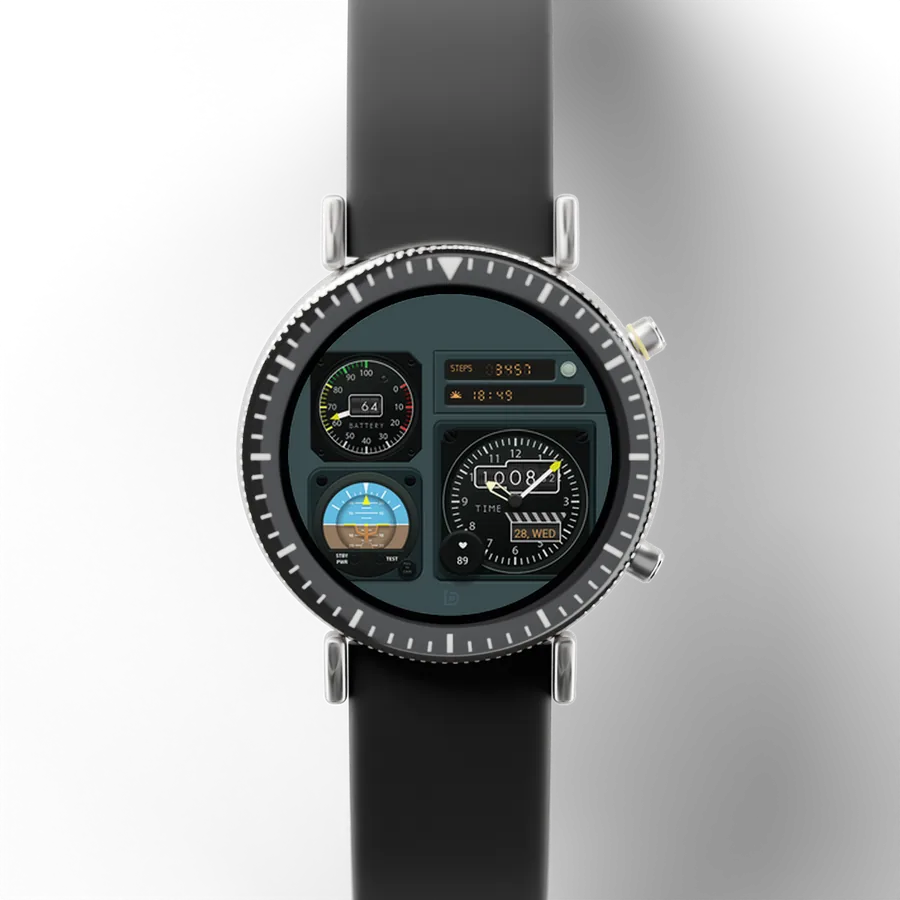
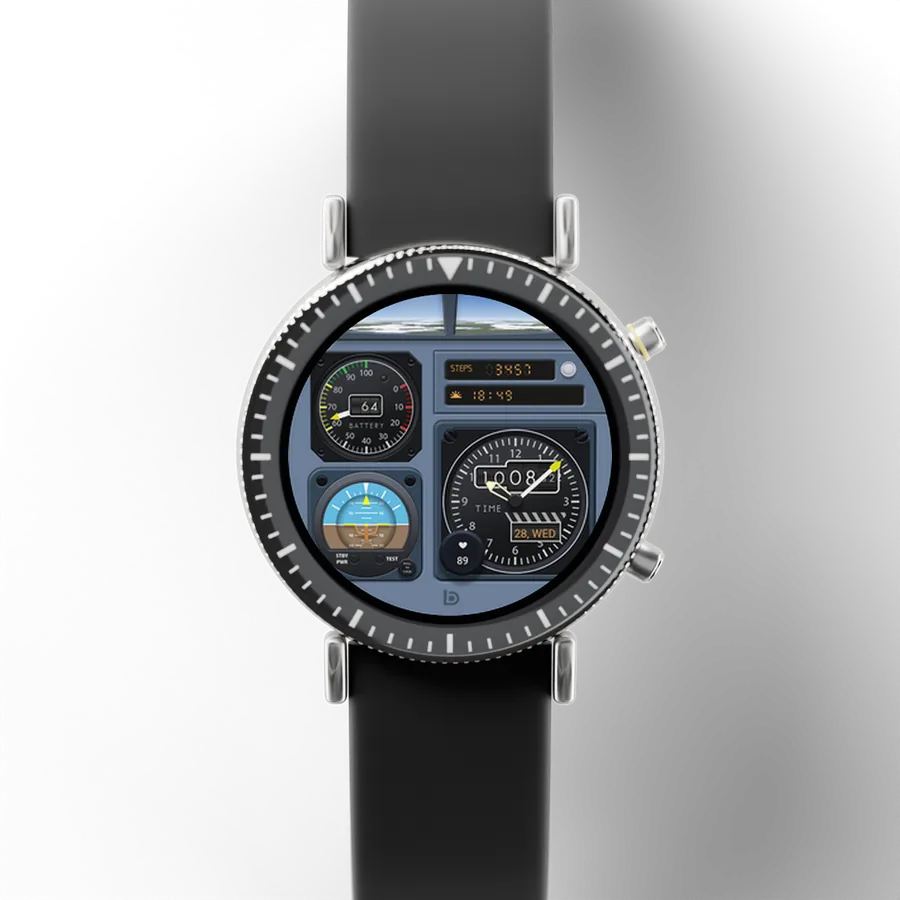
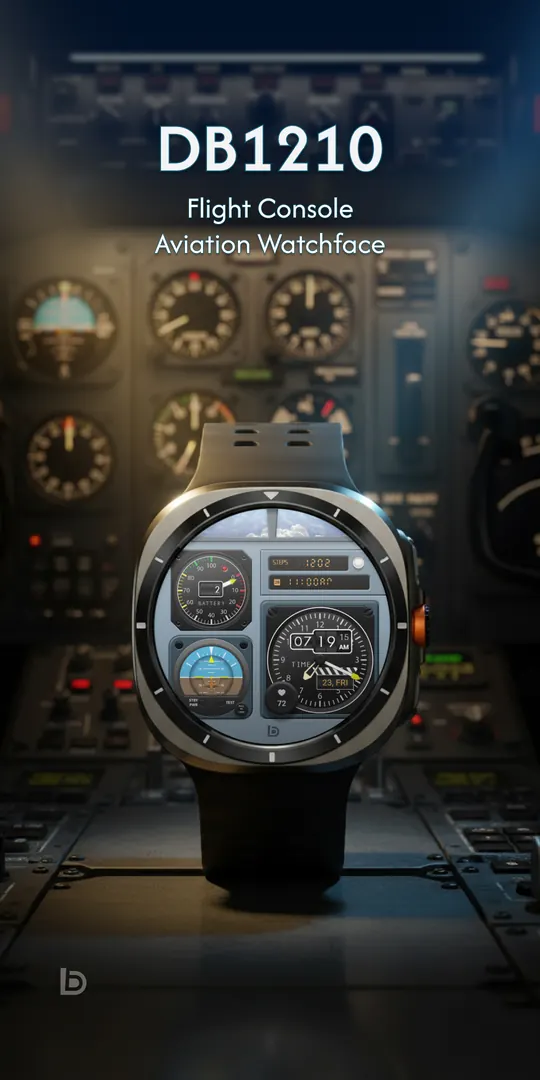
A round titanium smartwatch with a black ceramic bezel and a rubber strap, showing Console Flight, Classic A round titanium smartwatch with a black ceramic bezel and a rubber strap, showing Console Flight, Night A round titanium smartwatch with a black ceramic bezel and a rubber strap, showing Console Flight, Graphite A round titanium smartwatch with a black ceramic bezel and a rubber strap, showing Console Flight, Gunmetal A round titanium smartwatch with a black ceramic bezel and a rubber strap, showing Console Flight, Sage A round titanium smartwatch with a black ceramic bezel and a rubber strap, showing Console Flight, Forest A round titanium smartwatch with a black ceramic bezel and a rubber strap, showing Console Flight, Stratus A round titanium smartwatch with a black ceramic bezel and a rubber strap, showing Console Flight, Mahogany
Looks

Console Flight DB1210

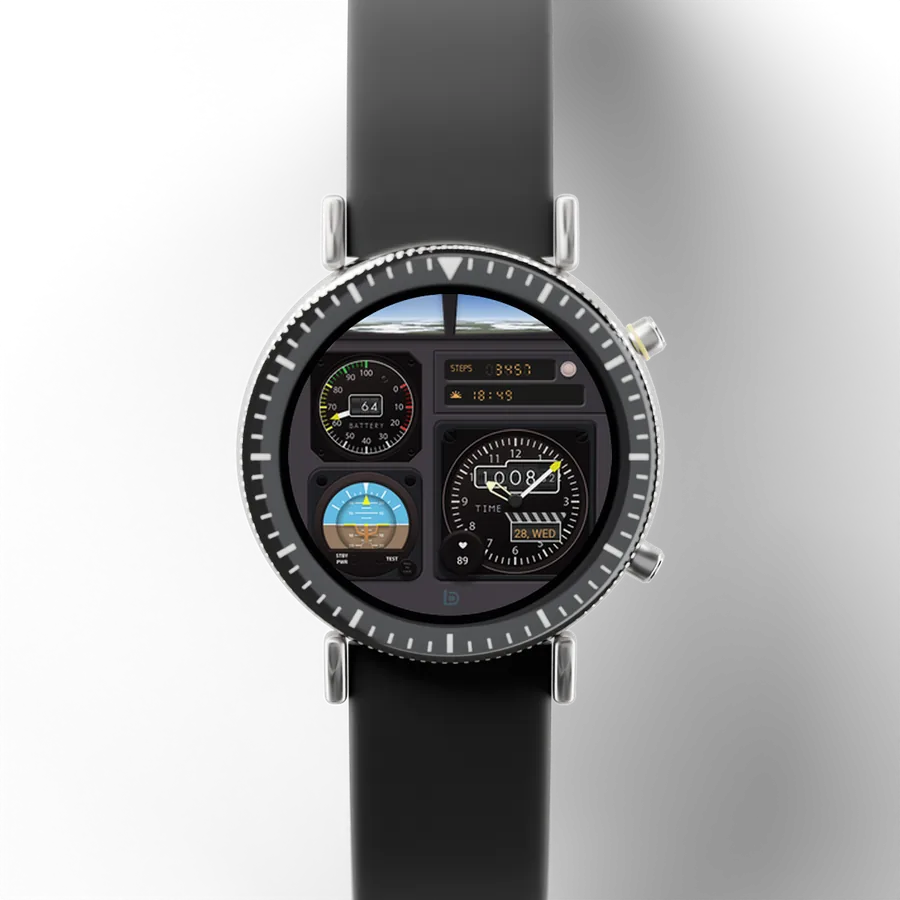
A cockpit panel with gauges, a tilting horizon and drum digits

Console Flight

A cockpit panel on your wrist: a battery gauge, an attitude indicator that tilts with your wrist, and a time instrument with drum digits.

Number
DB1210
Style
Hybrid
Series
DB121x Flight
Comes with
Phone app

What’s included

  • The watch face, for Wear OS watches
  • Phone app

Putting it on your watch

  1. Open it on Google Play on your phone and choose your watch under “Install on more devices”.
  2. On the watch, touch and hold your watch face, swipe to the end, tap Add and choose Console Flight.
  3. Touch and hold it again and tap Customise for its Looks and complications.

Stuck? The help form reaches us, and we reply by email.

More pictures

From its page on Google Play.
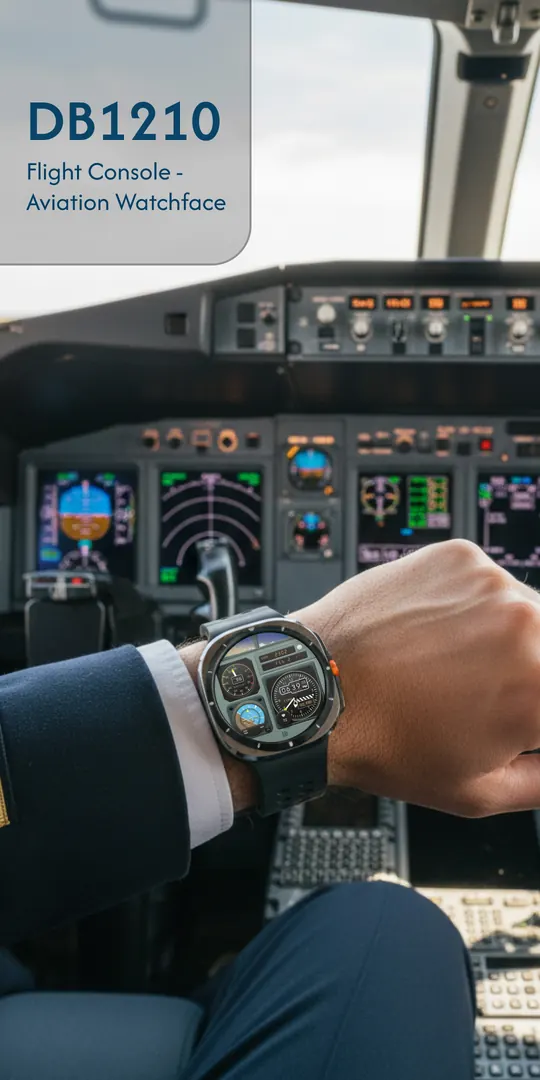
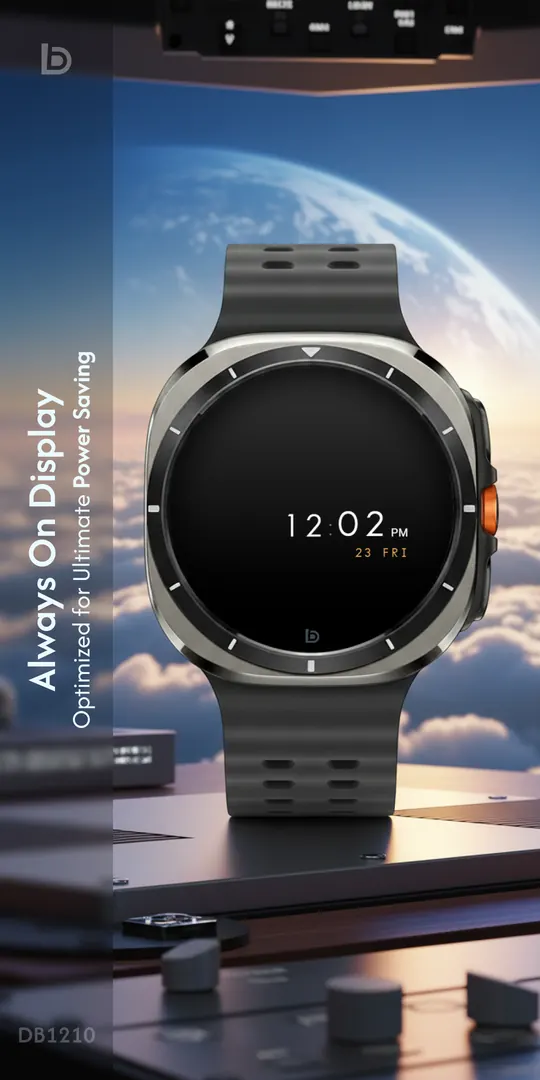
Console Flight, a picture from its Google Play listing Console Flight, a picture from its Google Play listing Console Flight, a picture from its Google Play listing
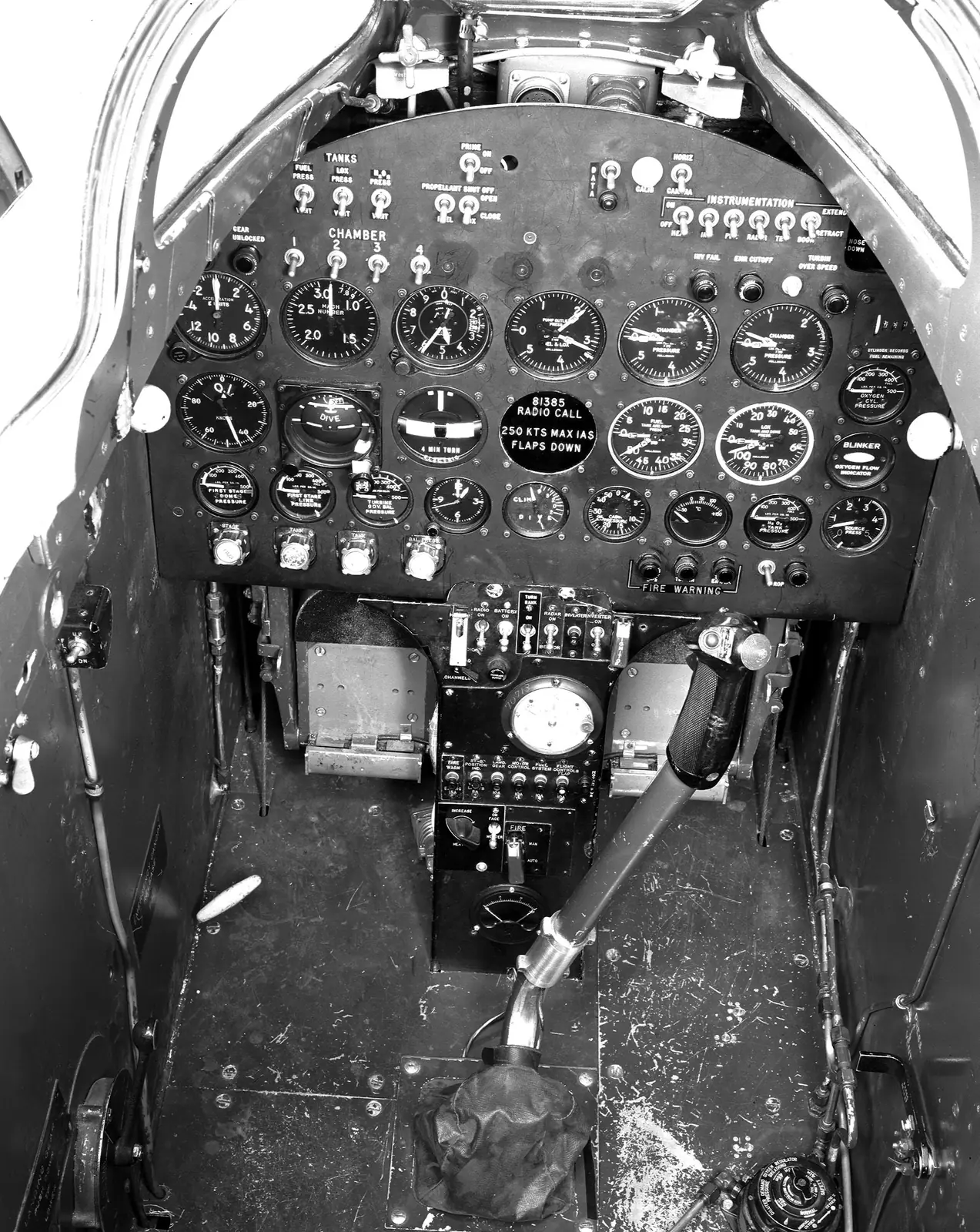
The instrument panel of the Bell X-1B research aircraft, 1956: rows of round dials in a grey cockpit