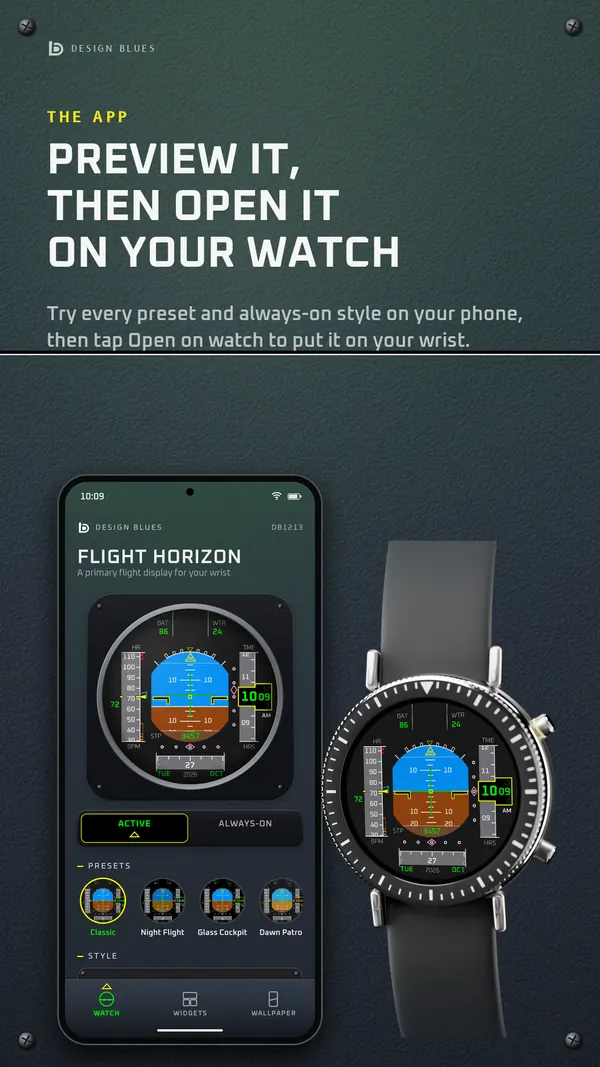
A phone app
Each newer face comes with its own phone app: it shows the face, opens it on your watch, and keeps its settings.
With Minimal Ceramic 03, Departures Flip, Flight Horizon, Console Flight, Neon Edge, Minimal Shadow 01 Hybrid.
 Design Blues
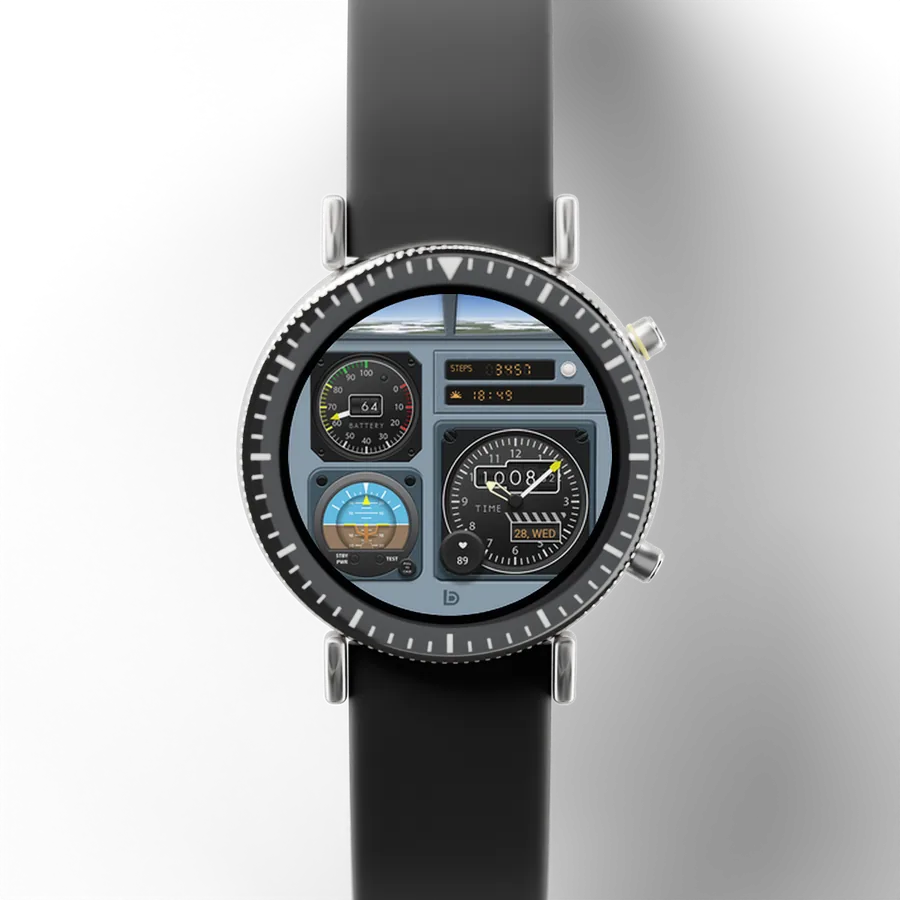
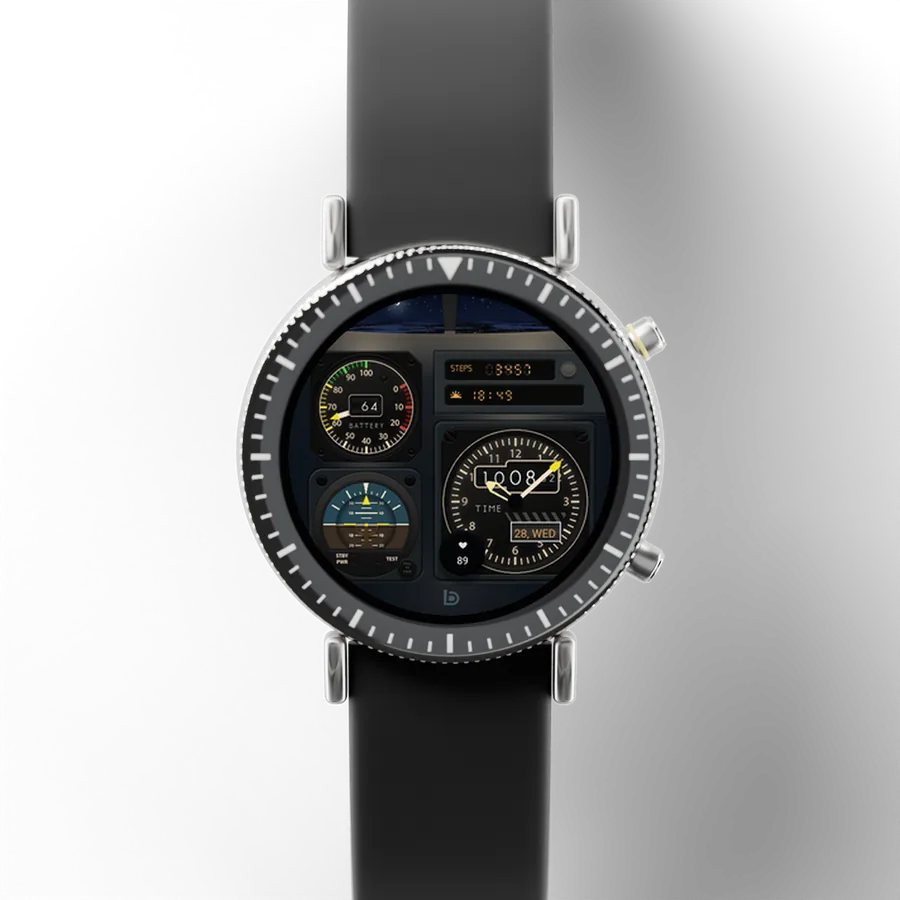
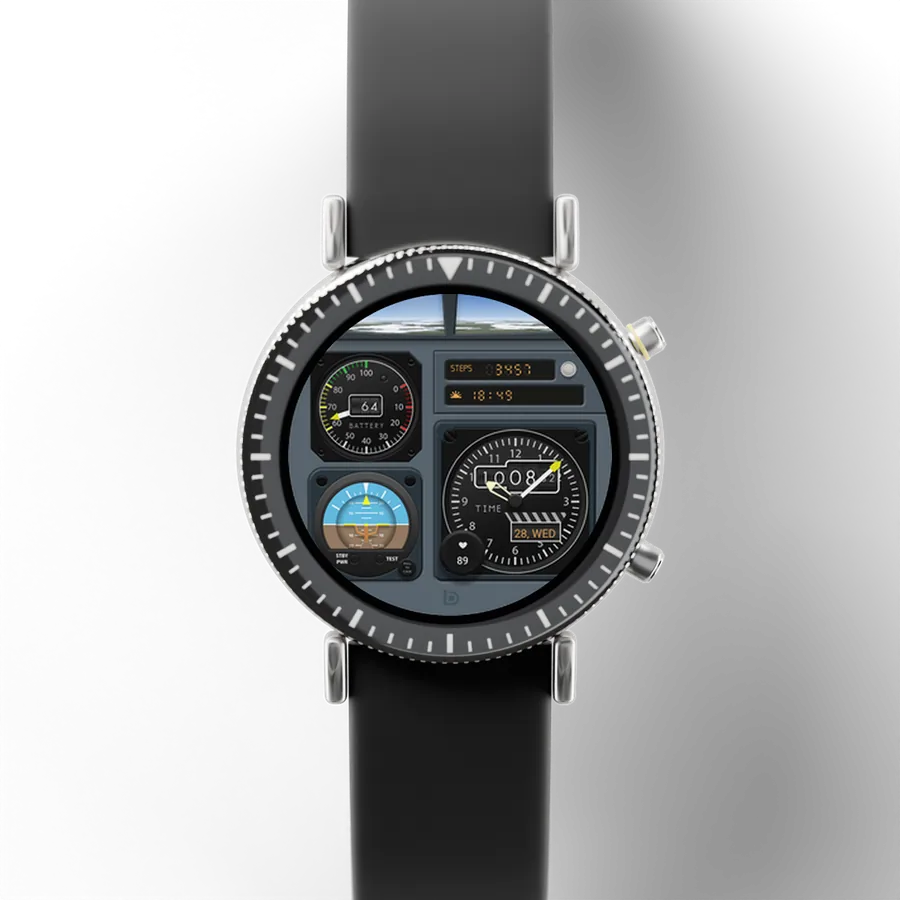
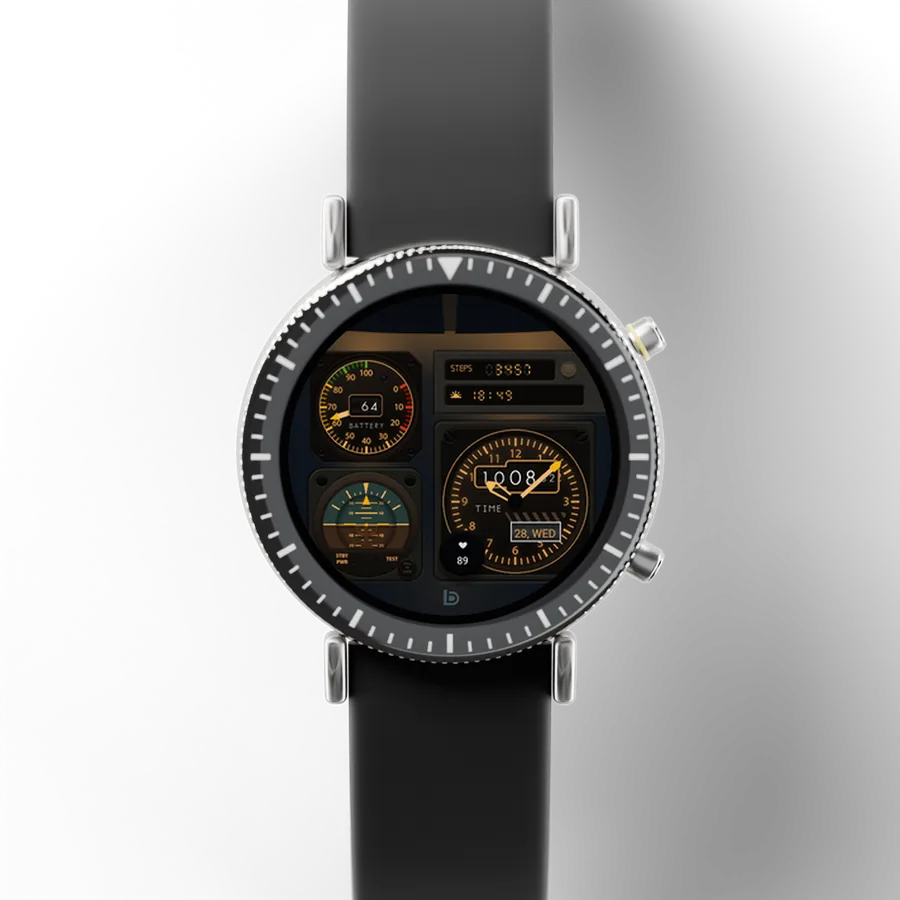
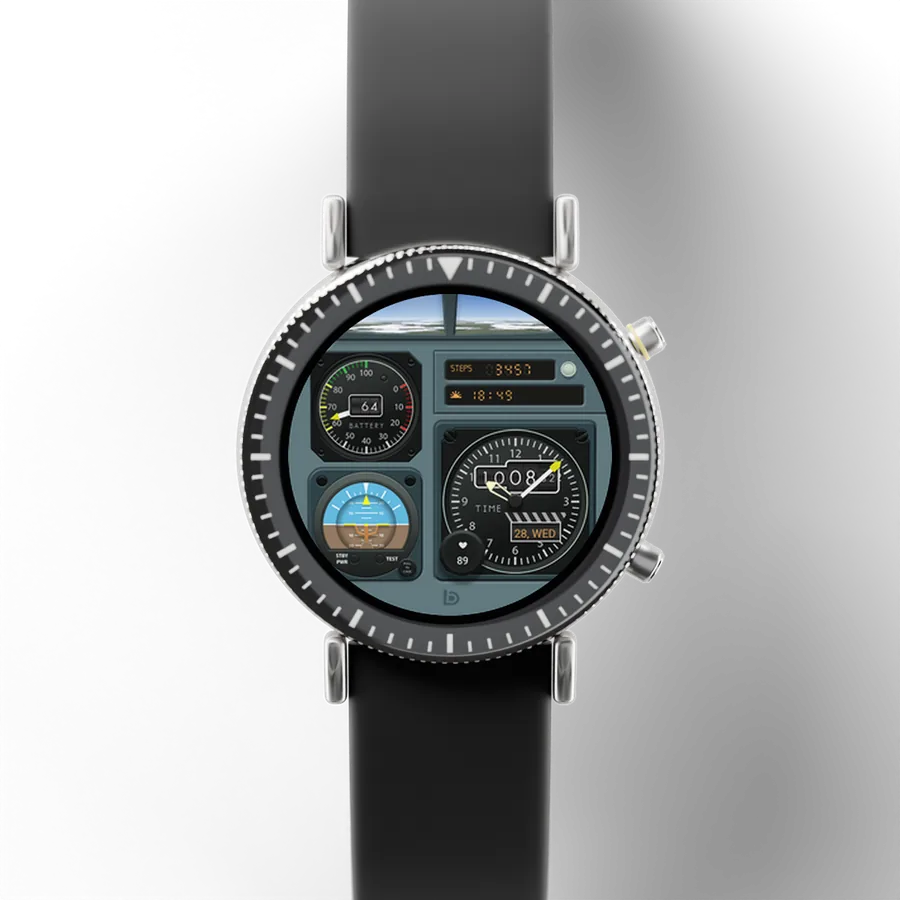
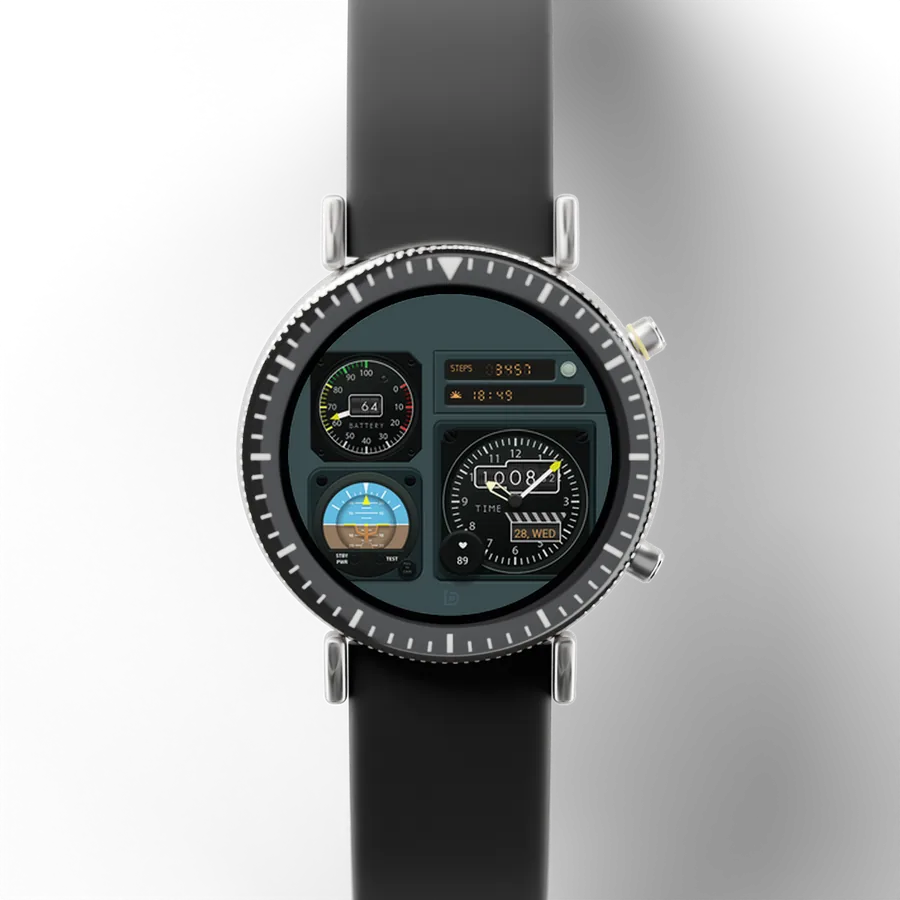
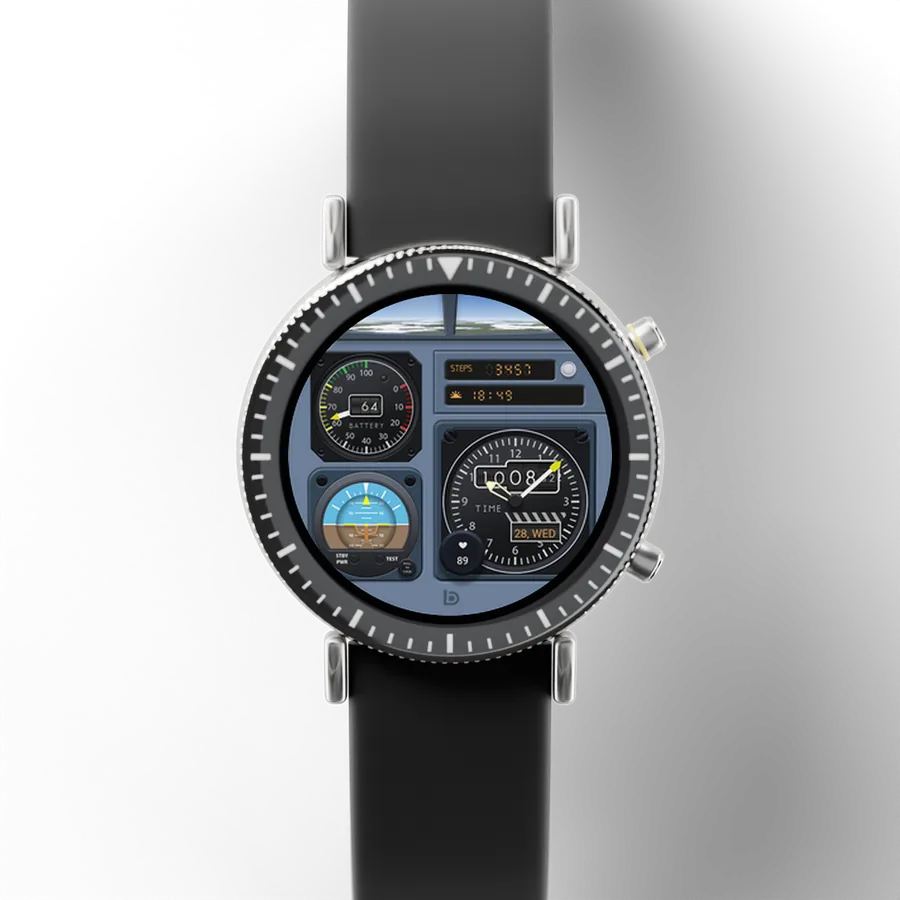
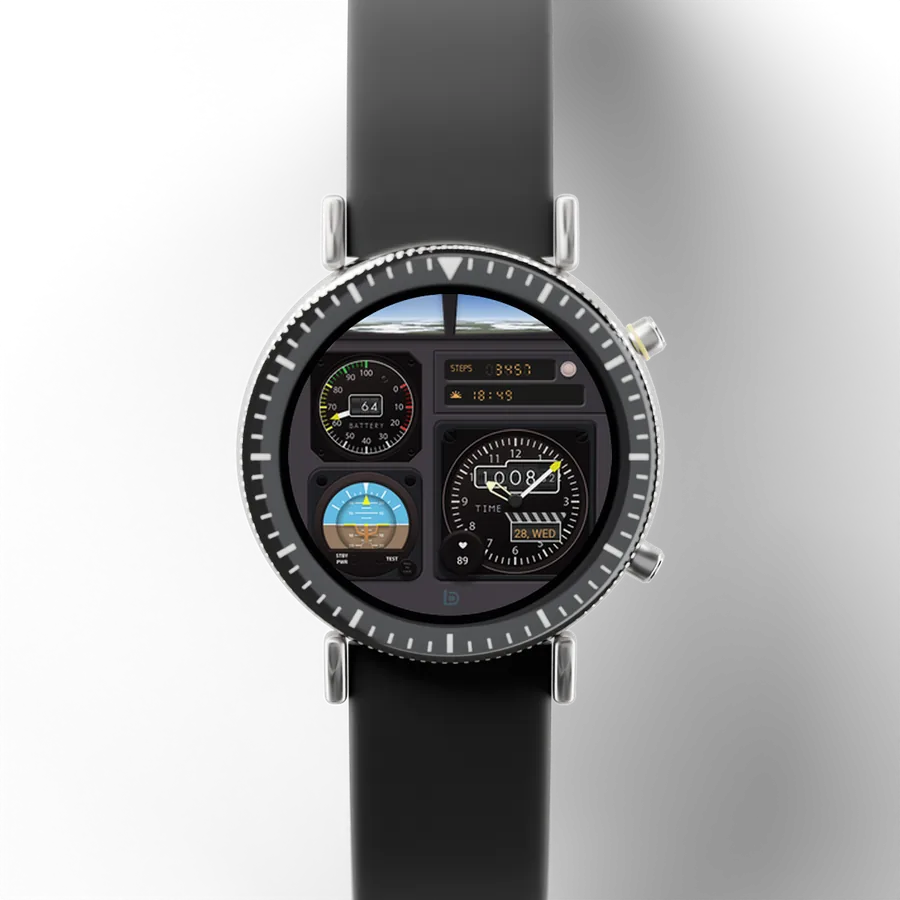
Console Flight DB1210
A cockpit panel with gauges, a tilting horizon and drum digits
Pick a face and it runs on the watch: turn the watch, switch it to night, change its look. Every face is on Google Play, and the newer ones come with a phone app.
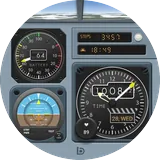 Console FlightA cockpit panel with gauges, a tilting horizon and drum digits
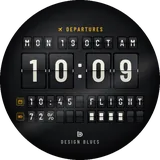 Departures FlipReal split-flap flips, with matching widgets and a night clock
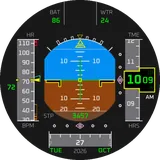 Flight HorizonA horizon that banks with your wrist, plus cockpit widgets
8 faces
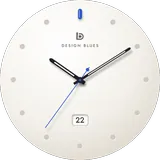 Minimal Ceramic 03Coming soon
Departures Flip
Flight Horizon
Console Flight
Minimal Ceramic 03Coming soon
Departures Flip
Flight Horizon
Console Flight
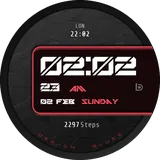 Neon Edge
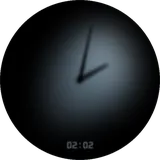 Minimal Shadow 01 Hybrid
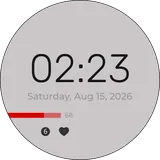 Minimal Focus 02
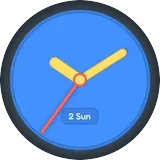 Triad Color
No face matches that.
The watch face is the start. The newer faces bring their whole look to your phone as well.
Each newer face comes with its own phone app: it shows the face, opens it on your watch, and keeps its settings.
With Minimal Ceramic 03, Departures Flip, Flight Horizon, Console Flight, Neon Edge, Minimal Shadow 01 Hybrid.
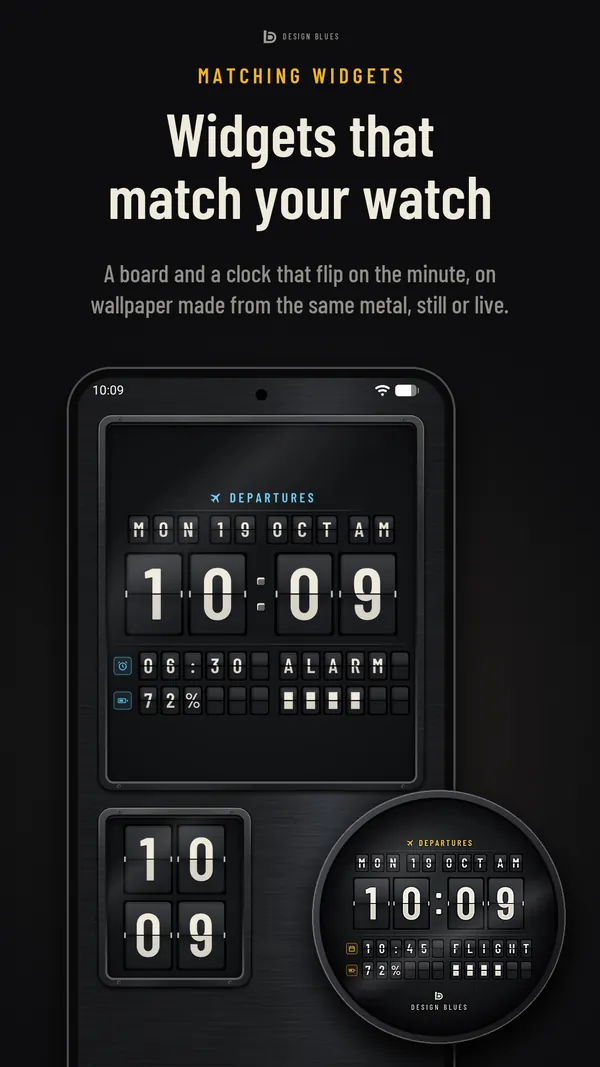
Home-screen widgets drawn from the face's own art, so your phone matches your watch.
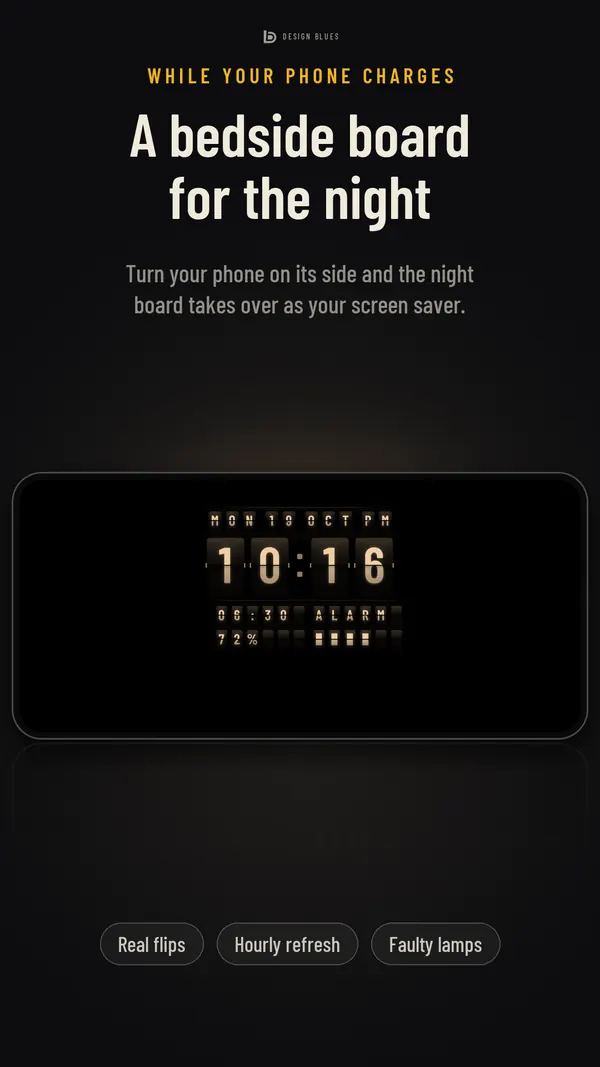
While your phone charges, a dim night clock in the face's always-on look.
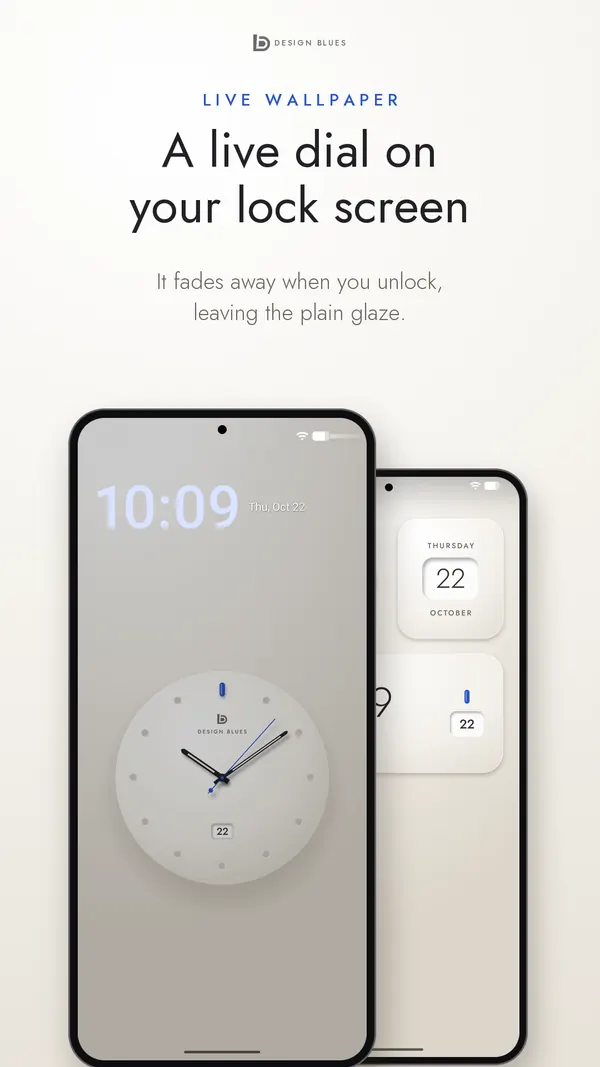
Wallpapers made of the face's materials: cockpit paint, brushed metal, glaze.
Made by the same hands as the faces.
Every Design Blues app and face, in one place:
our page on Google Play

Design Blues is me. I draw each watch face, build it and answer the messages that come in.
Every face starts from a real thing with a face of its own: a cockpit’s instrument panel, the departures board in a station, glazed porcelain. I study how it is lit and how it moves, and draw that, so the drums roll instead of jumping and a flap falls the way a flap falls.
Then I build it in Google’s Watch Face Format, so it runs the way your watch expects and goes easy on the battery, and I test it on a real watch before it goes on Google Play.
The newer faces come with a phone app drawn from the same art: widgets, a bedside clock and wallpapers that match the watch.
If something doesn’t work, or you’d like a face that doesn’t exist yet, write to me.
Mufeeth
Founder, Design Blues
Next, the help form asks which face it’s about and your email.