Design Blues
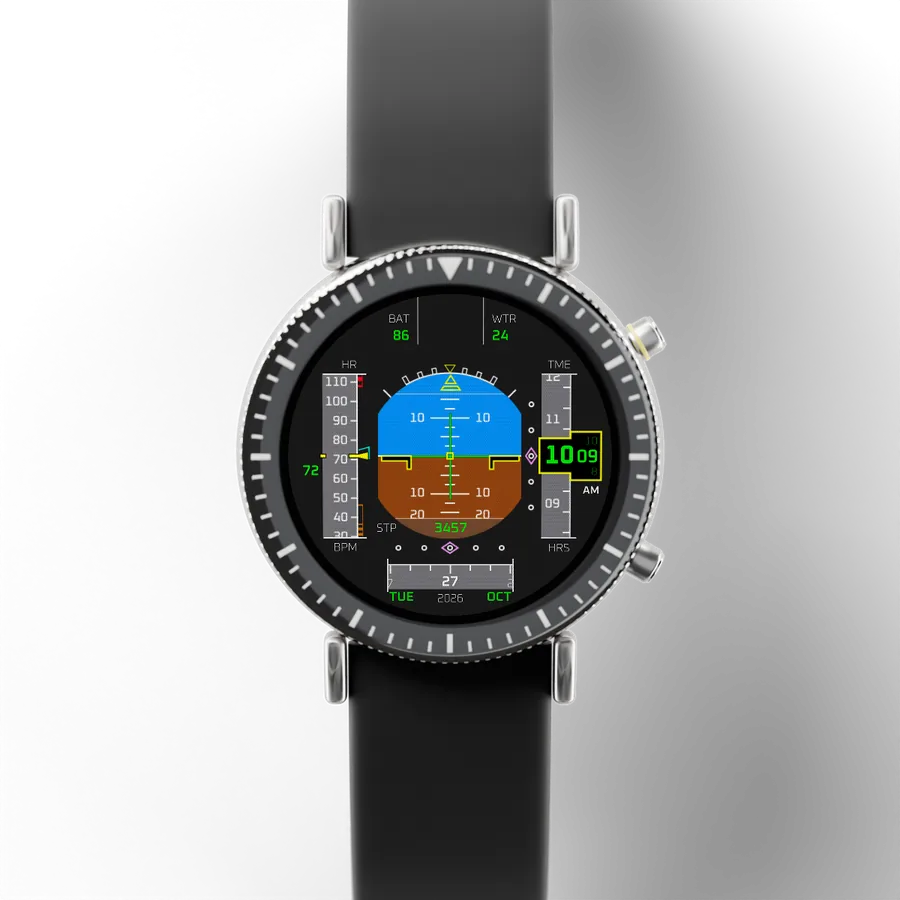
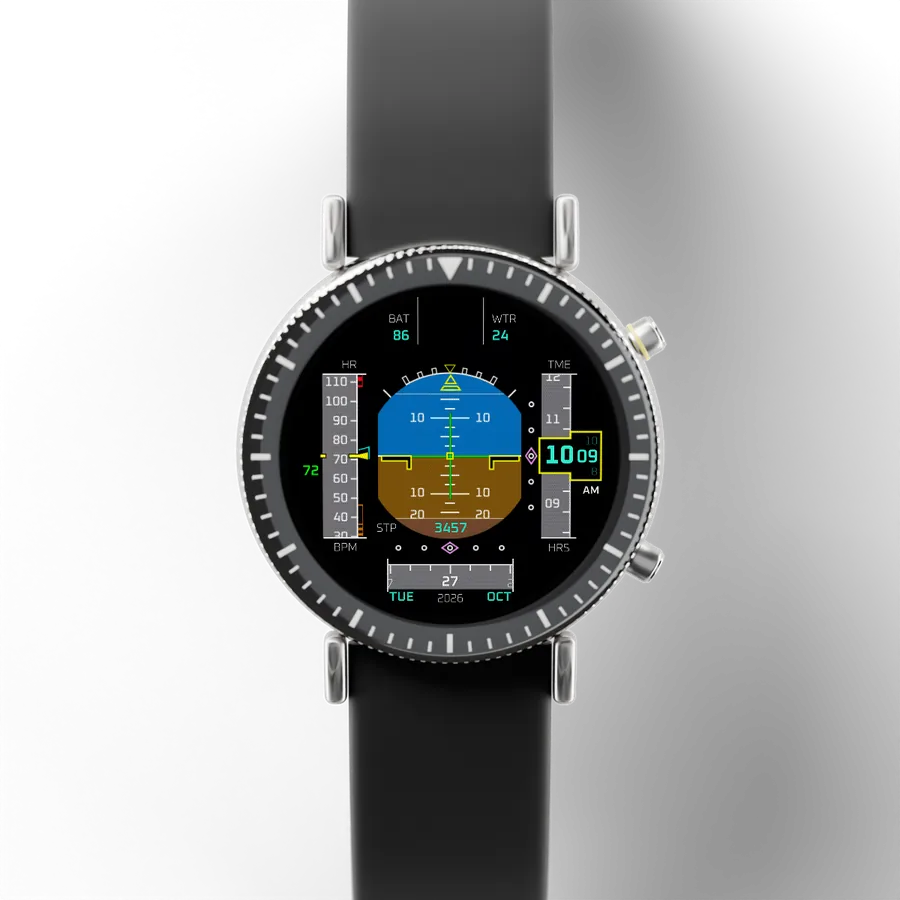
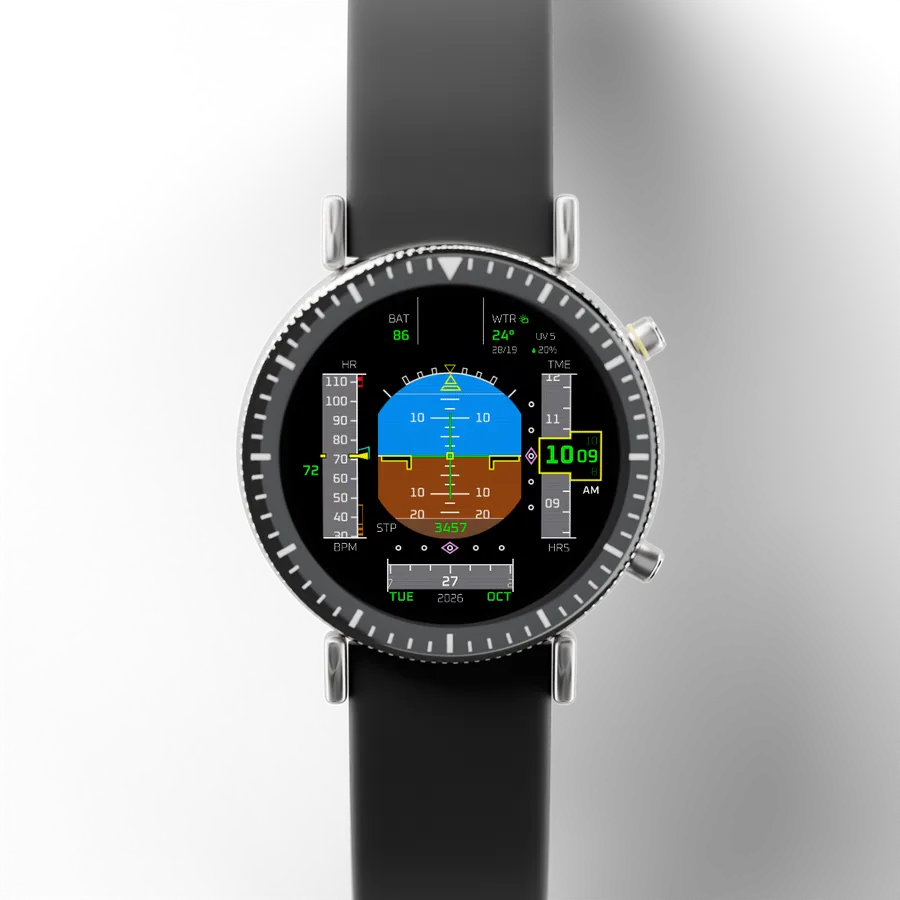
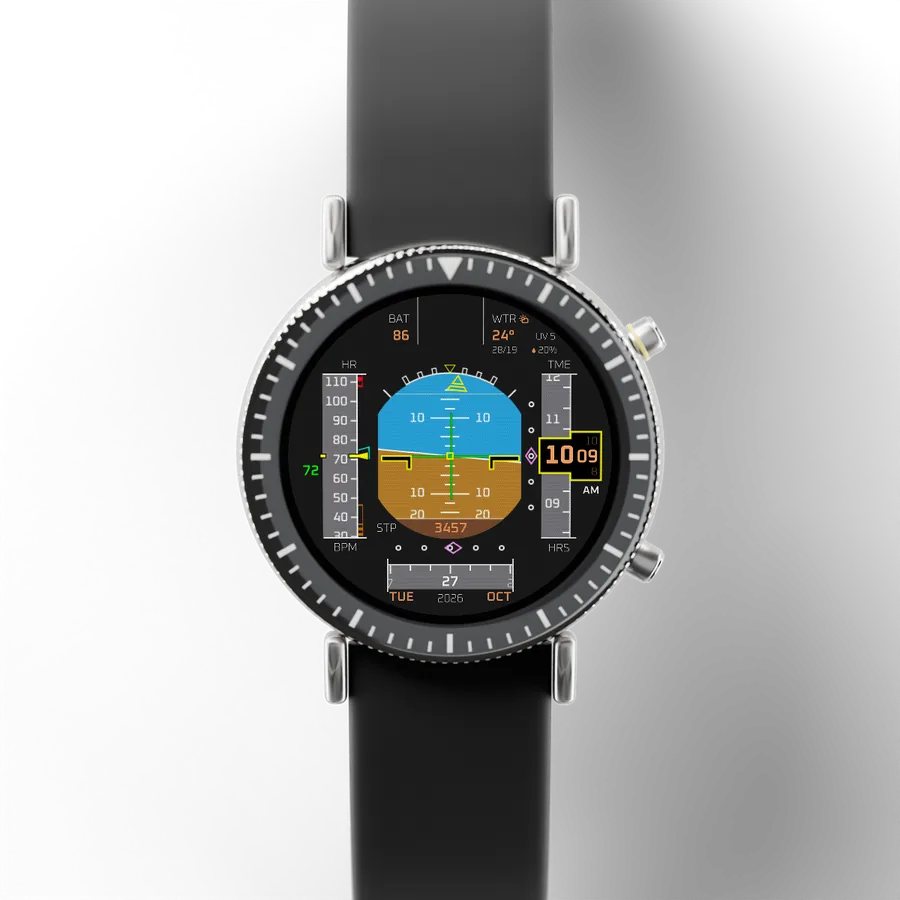
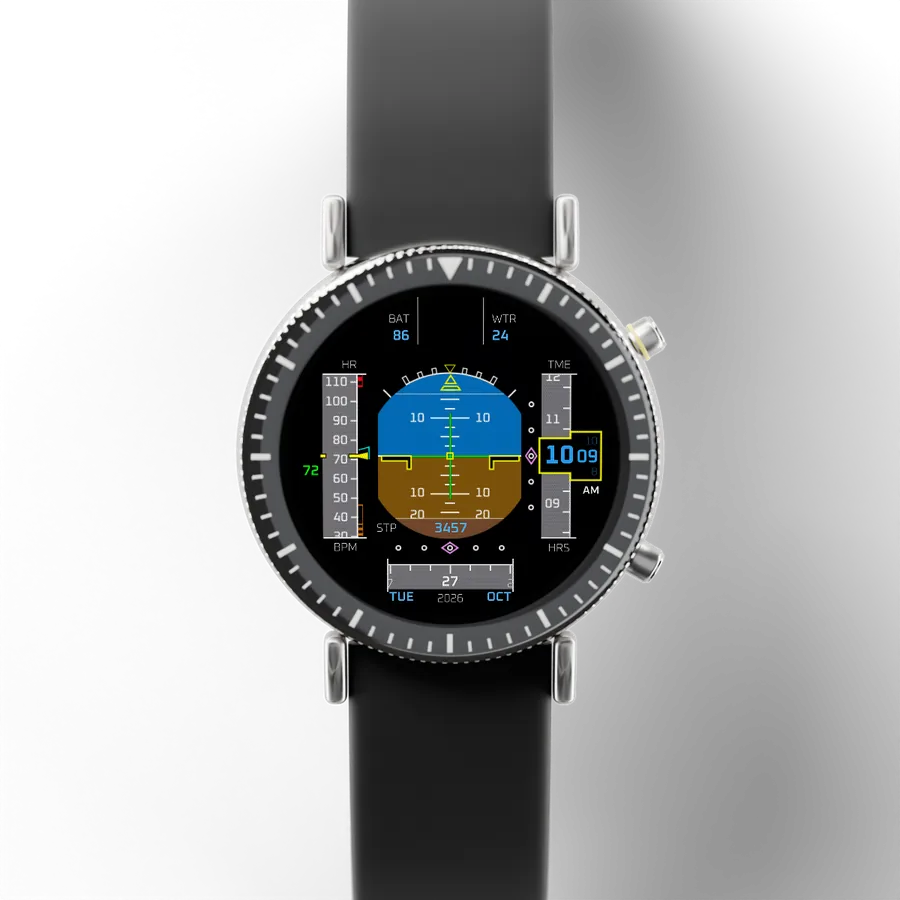
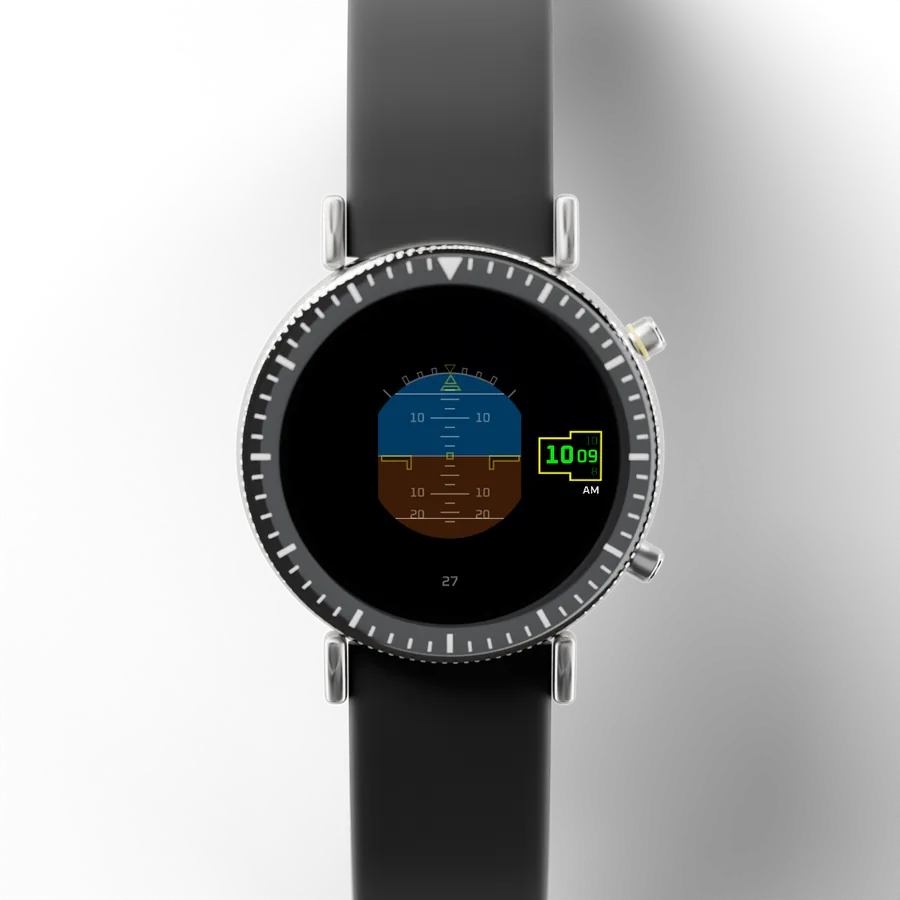
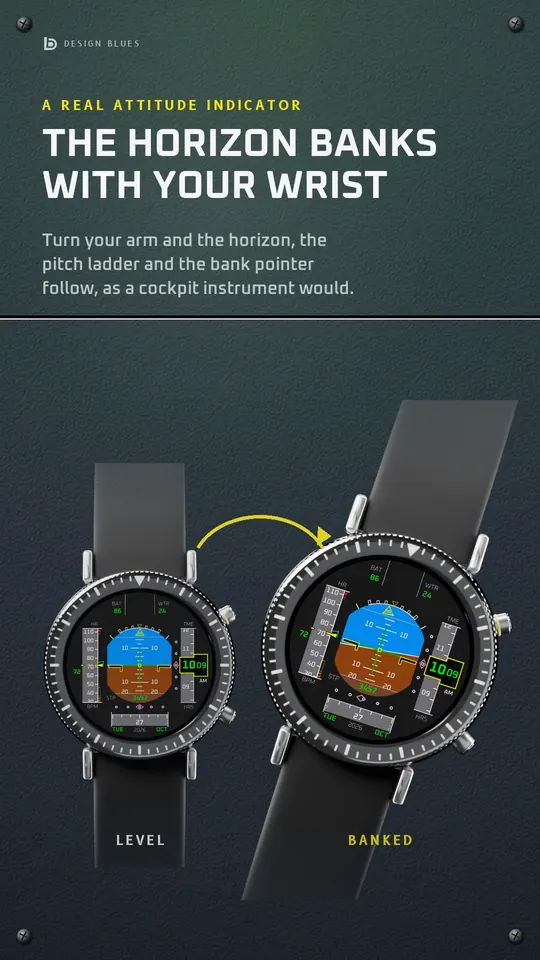
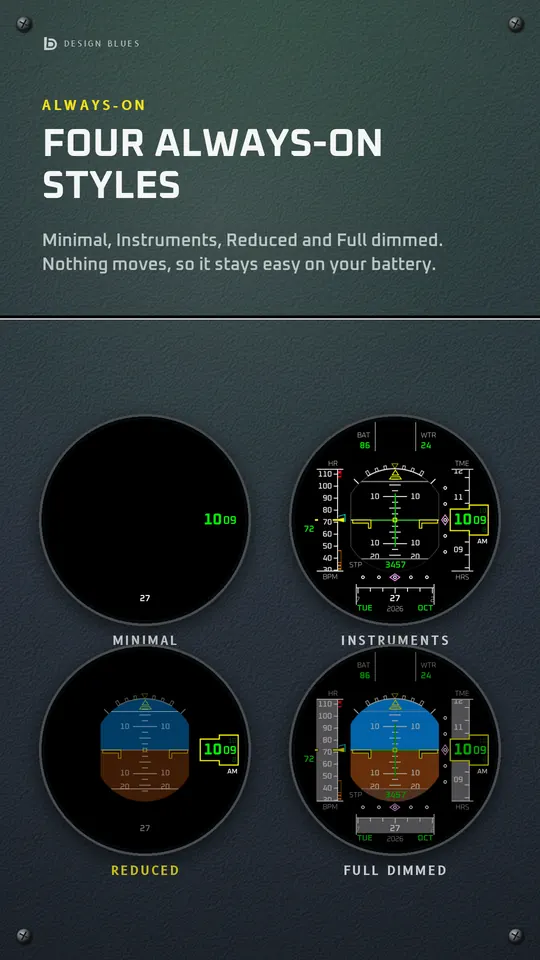
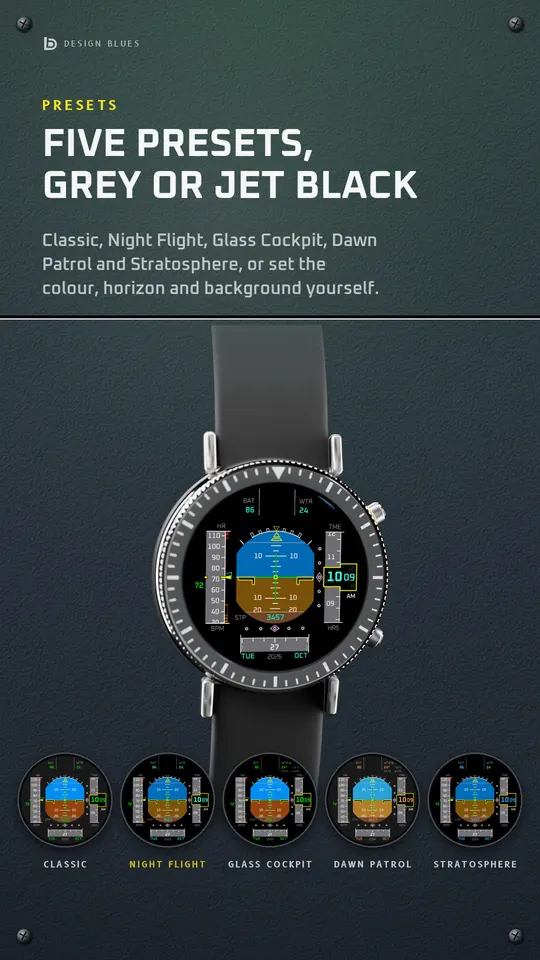
A round titanium smartwatch with a black ceramic bezel and a rubber strap, showing Flight Horizon, Classic A round titanium smartwatch with a black ceramic bezel and a rubber strap, showing Flight Horizon, Night Flight A round titanium smartwatch with a black ceramic bezel and a rubber strap, showing Flight Horizon, Glass Cockpit A round titanium smartwatch with a black ceramic bezel and a rubber strap, showing Flight Horizon, Dawn Patrol A round titanium smartwatch with a black ceramic bezel and a rubber strap, showing Flight Horizon, Stratosphere A round titanium smartwatch with a black ceramic bezel and a rubber strap, showing Flight Horizon, Always-on
Looks

Flight Horizon DB1213

A horizon that banks with your wrist, plus cockpit widgets

Flight Horizon

A primary flight display: the horizon banks with your wrist, and the time rolls into place like a cockpit counter.

Number
DB1213
Style
Digital
Series
DB121x Flight
Comes with
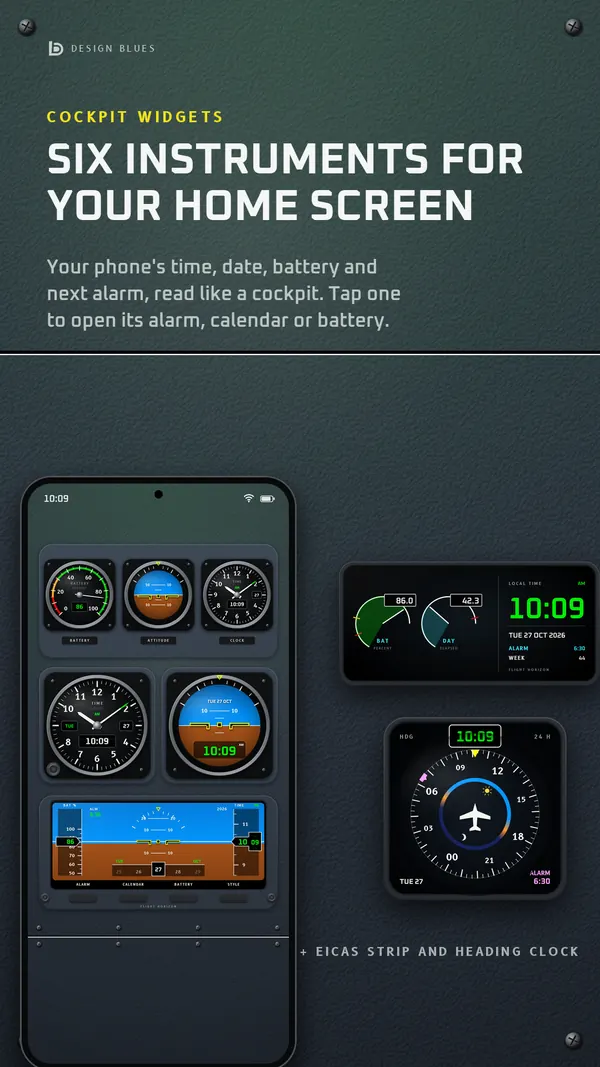
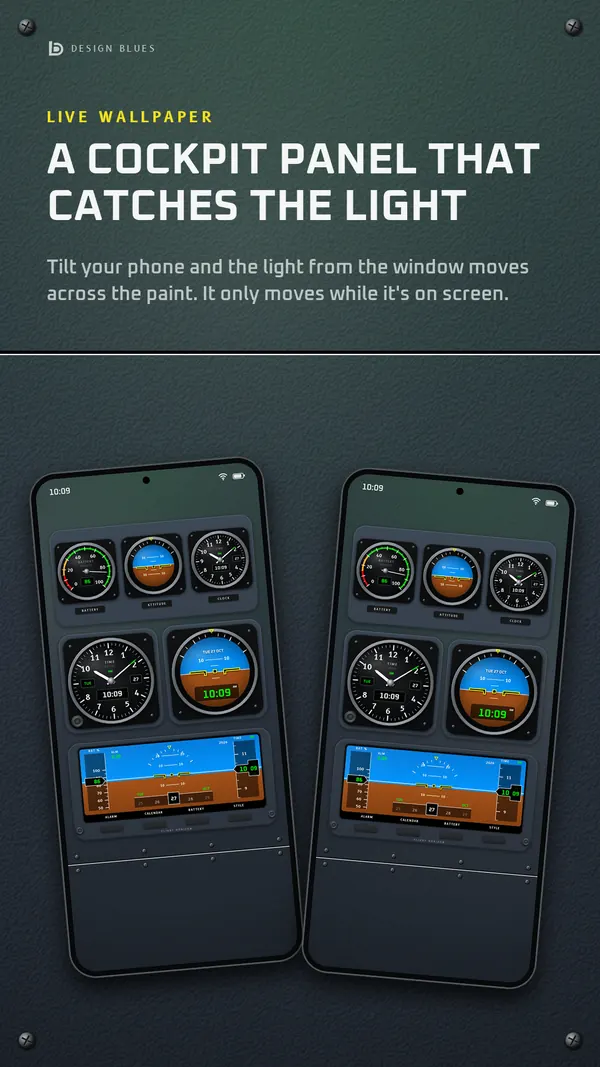
Phone app, home-screen widgets and wallpapers

What’s included

  • The watch face, for Wear OS watches
  • Phone app
  • Home-screen widgets
  • Wallpapers

Putting it on your watch

  1. Open it on Google Play on your phone and choose your watch under “Install on more devices”.
  2. On the watch, touch and hold your watch face, swipe to the end, tap Add and choose Flight Horizon.
  3. Touch and hold it again and tap Customise for its Looks and complications.

Stuck? The help form reaches us, and we reply by email.

On your phone, too

Its phone app, drawn from the same art as the watch face.
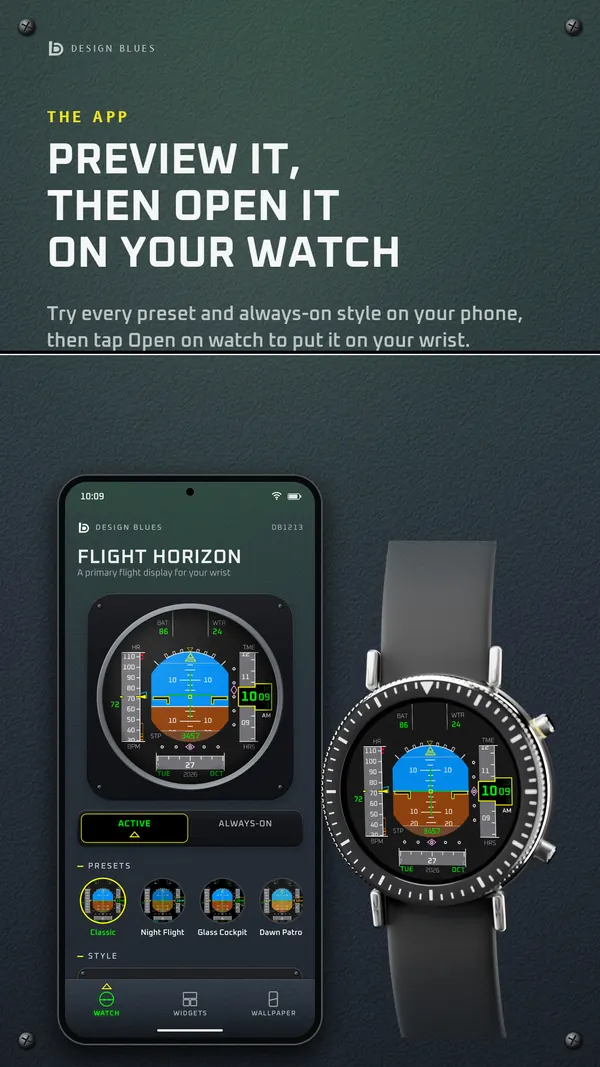
Flight Horizon: its phone app
Its phone app
Flight Horizon: its widgets
Its widgets
Flight Horizon: its wallpaper
Its wallpaper

More pictures

From its page on Google Play.
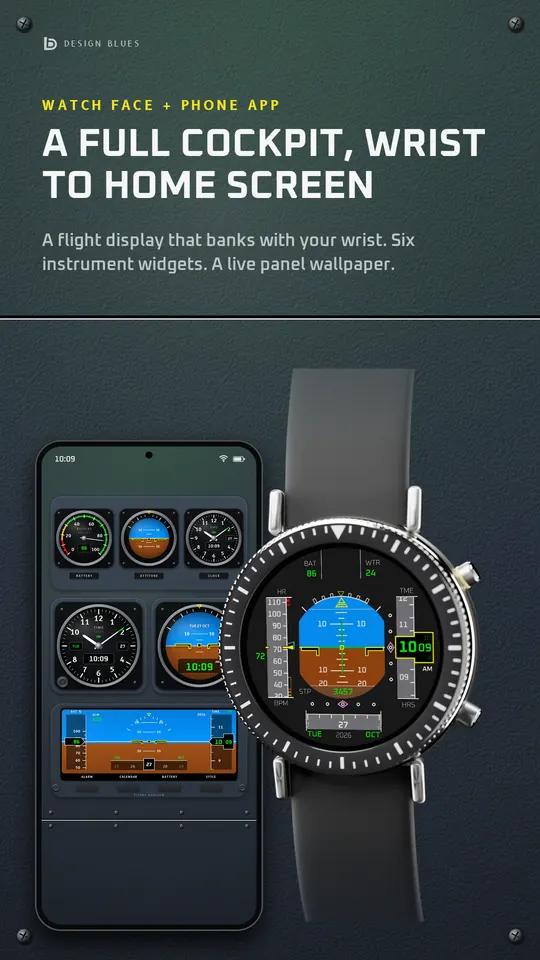
Flight Horizon, a picture from its Google Play listing Flight Horizon, a picture from its Google Play listing Flight Horizon, a picture from its Google Play listing Flight Horizon, a picture from its Google Play listing
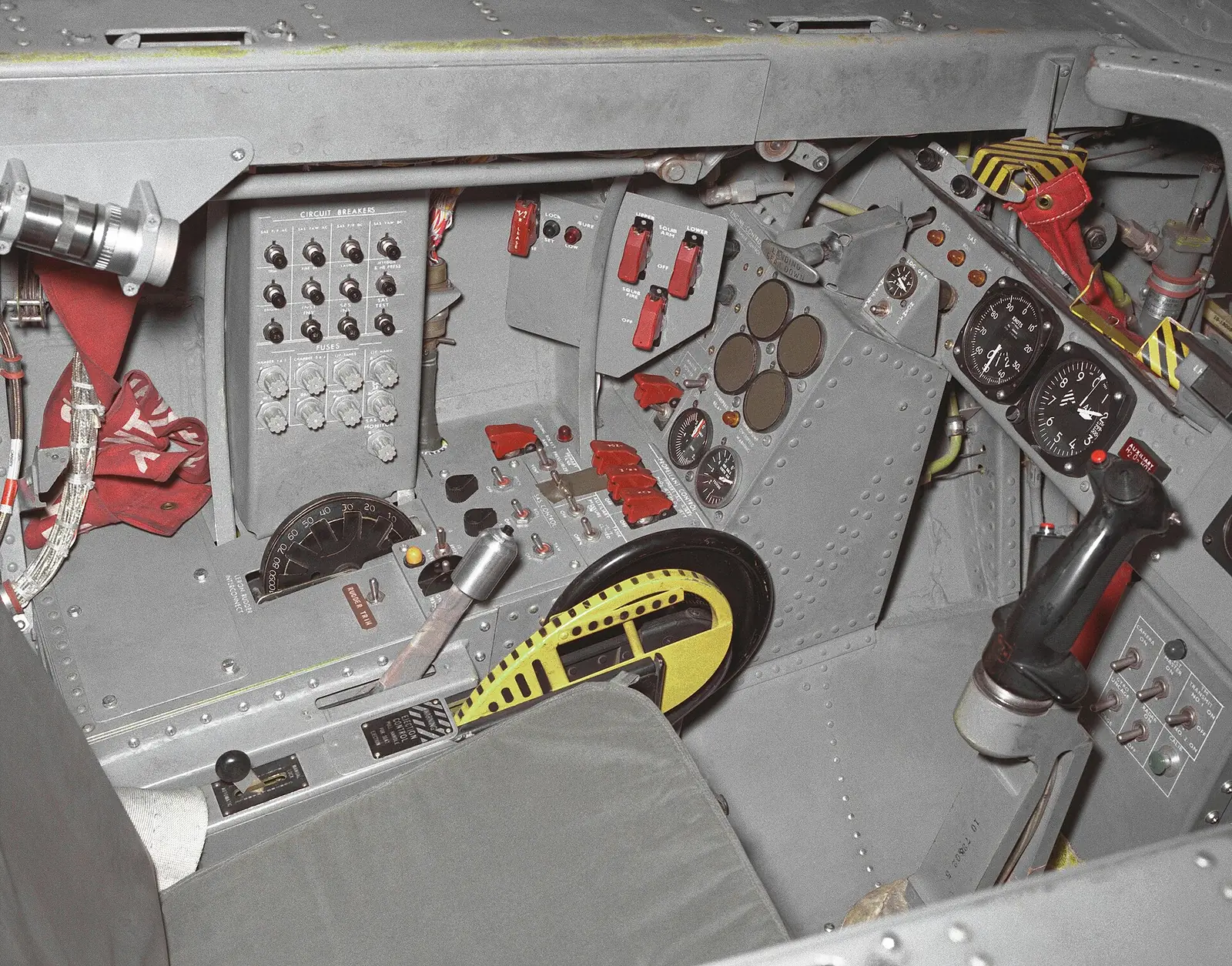
The left side of the M2-F2 lifting body's cockpit, 1966: switches, dials and a grey control stick