Design Blues
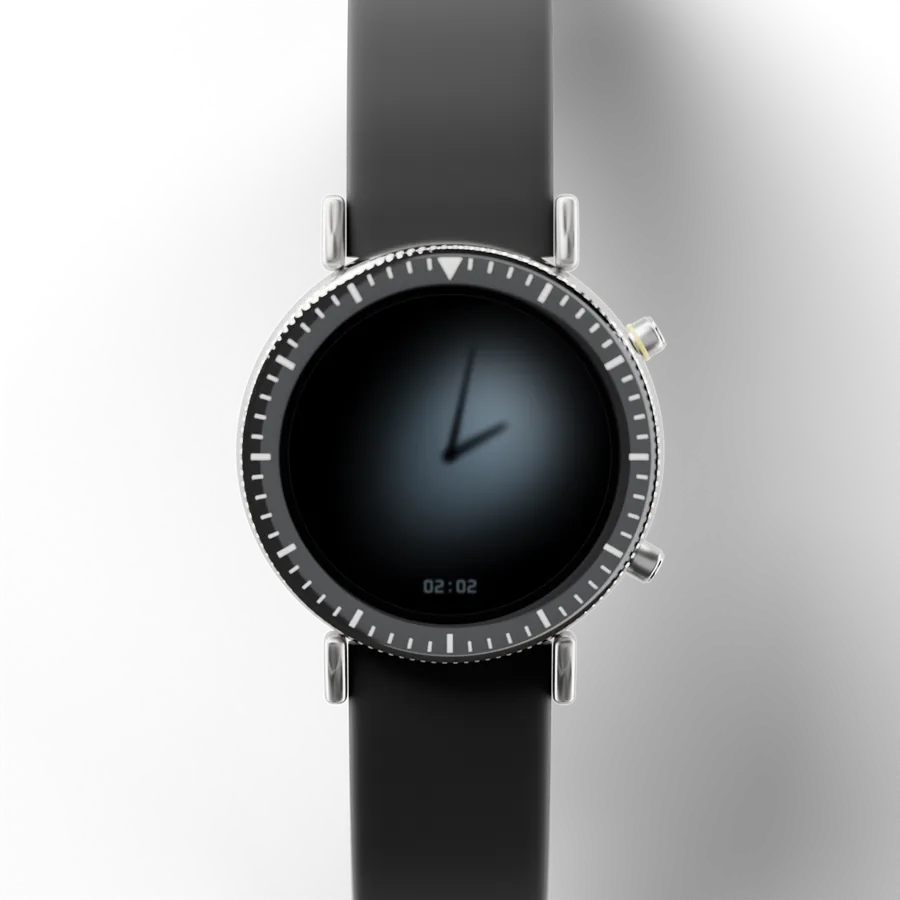
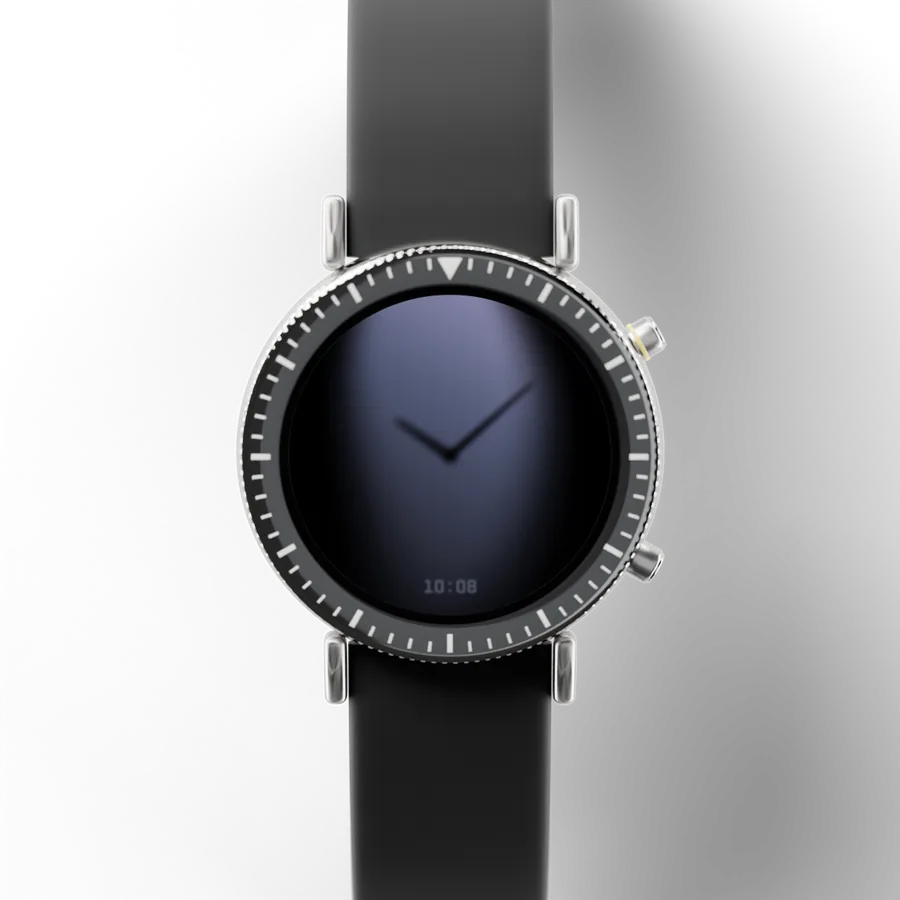
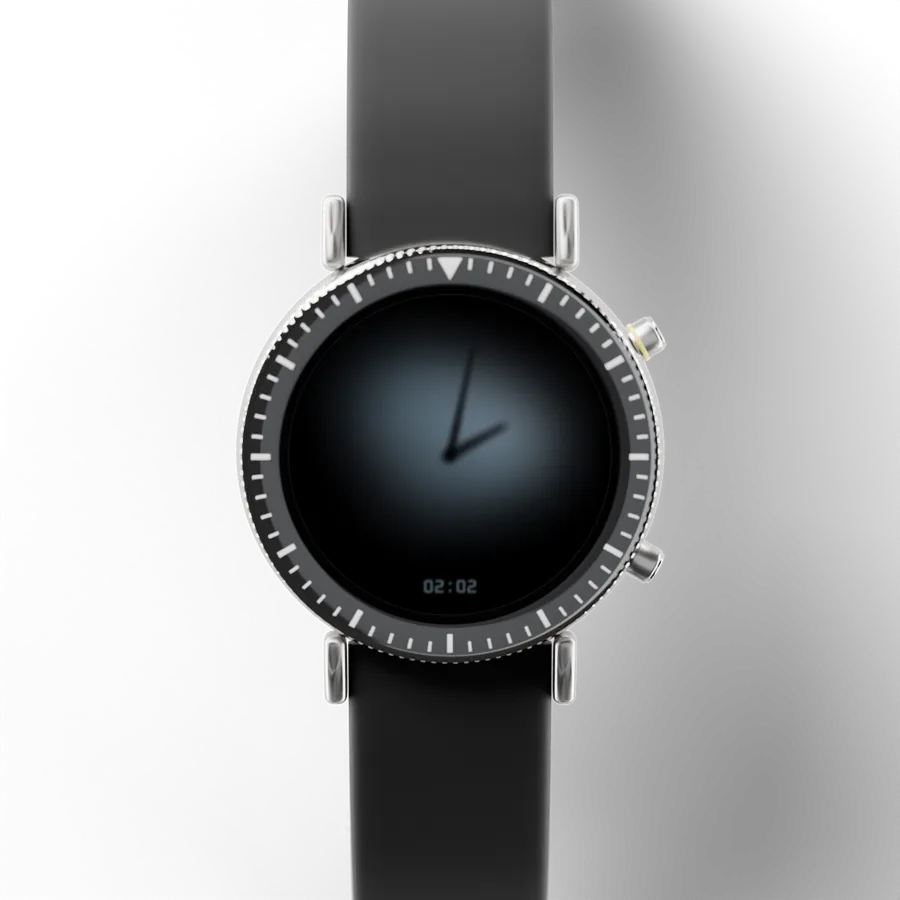
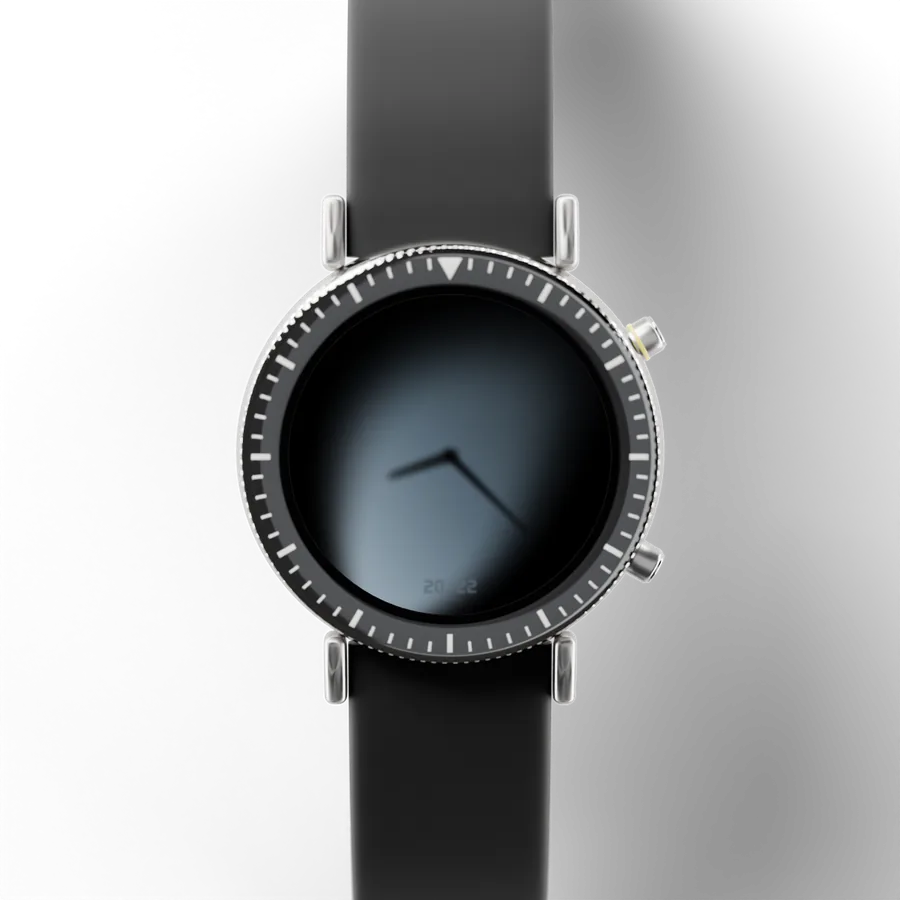
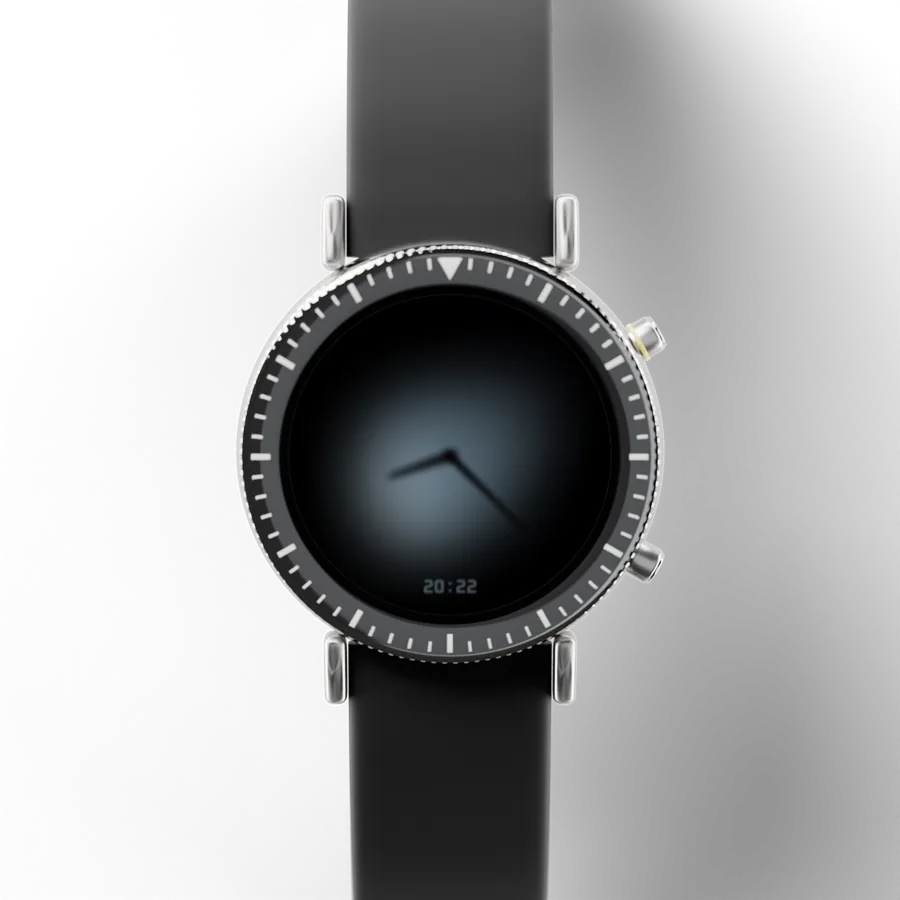
Minimal Shadow 01 Hybrid
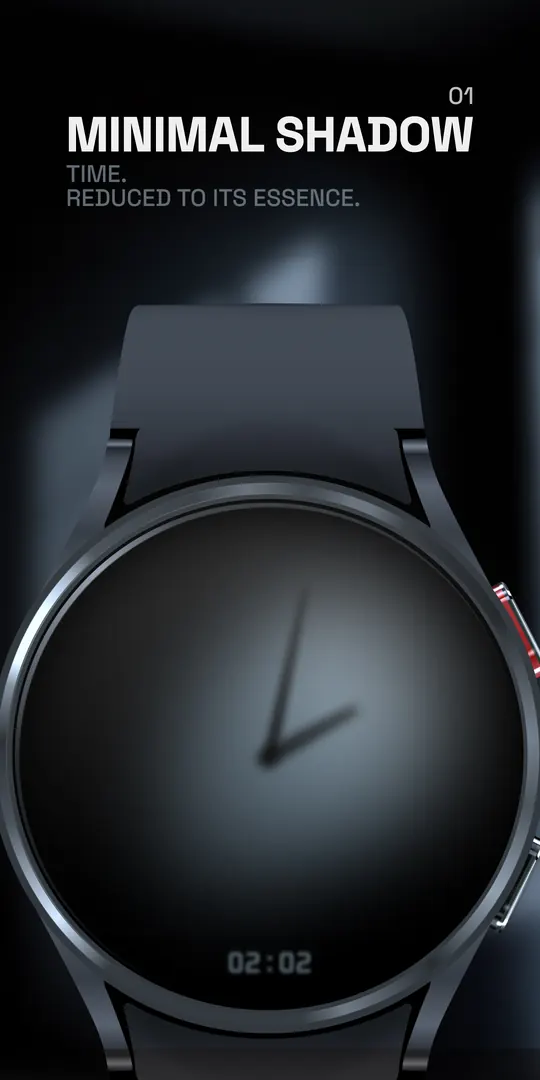
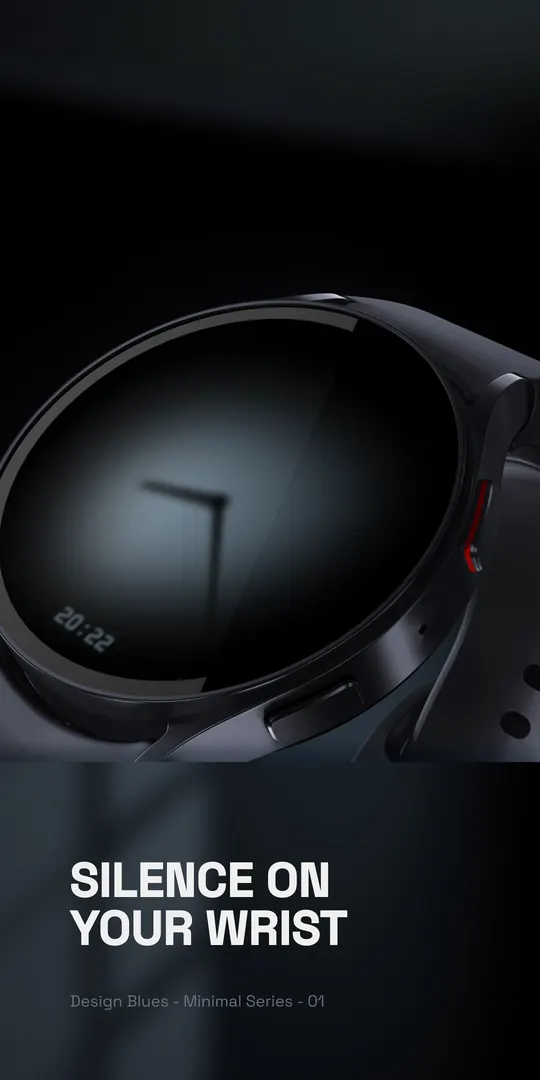
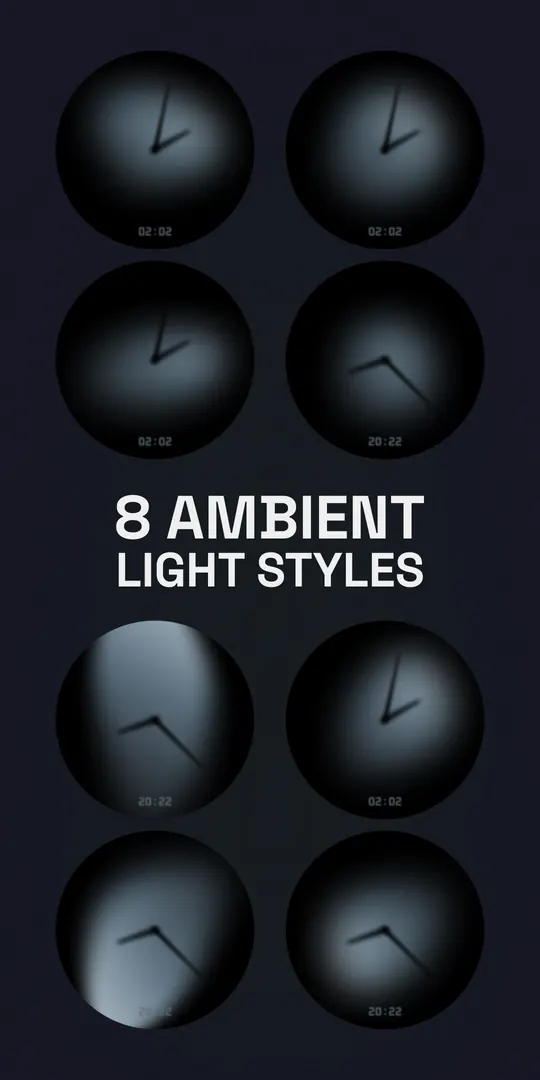
A dark analog dial with soft shadows, made for AMOLED screens and the always-on display.
- Number
- DB1221
- Style
- Hybrid
- Series
- DB122x Minimal
- Comes with
- Phone app
What’s included
- The watch face, for Wear OS watches
- Phone app
Putting it on your watch
- Open it on Google Play on your phone and choose your watch under “Install on more devices”.
- On the watch, touch and hold your watch face, swipe to the end, tap Add and choose Minimal Shadow 01 Hybrid.
- Touch and hold it again and tap Customise for its Looks and complications.
Stuck? The help form reaches us, and we reply by email.
On your phone, too
Its phone app, drawn from the same art as the watch face.
More pictures
From its page on Google Play.